Prostation Dashboard
Available Management Tools
- Once your workstation is created, you can manage it directly from the Dashboard.
- Several tools are available to help you control, update, and organize your workstation environment efficiently.
Directly Under Dashboard
| Function | Description | Status | Image |
|---|---|---|---|
| Launch | Starts your workstation and makes it ready for connection. | At Startup | 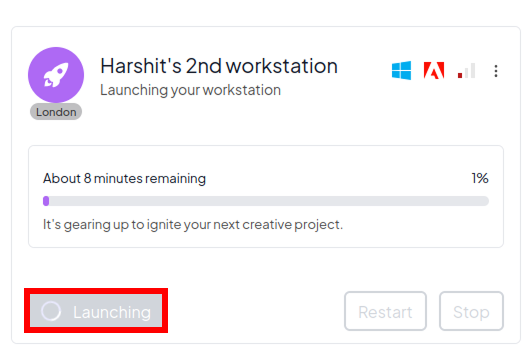 |
| Create New Workstation | Initiates the setup process to create a new workstation with custom configuration. | At Startup | 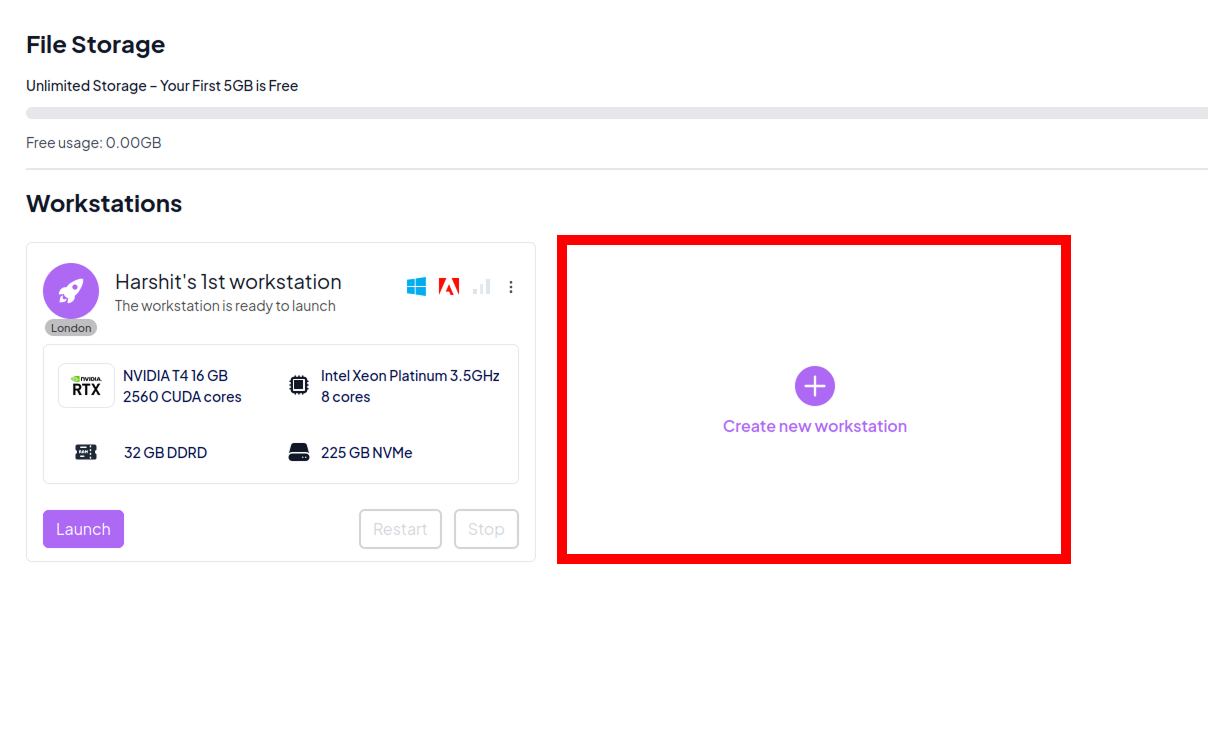 |
| Connect | Opens a remote connection to your running workstation, allowing you to access the virtual desktop environment. | Running | 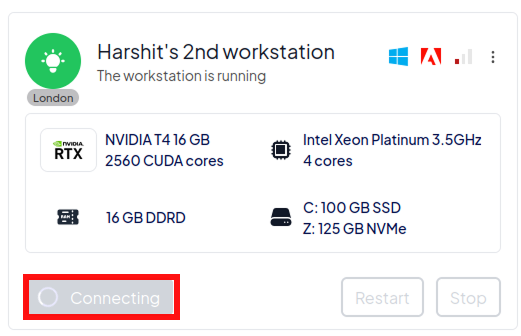 |
| Restart | Reboots the workstation to refresh the system or apply updates. | Running |  |
| Stop | Shuts down the workstation to save resources when not in use. | Running | 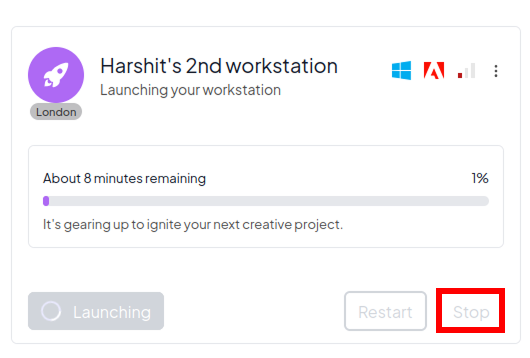 |
Expanded Under Icon ⋮
| Tool | Description | Status | Image |
|---|---|---|---|
| Rename | Allows you to assign a custom name to your workstation for better organization. | At Startup | 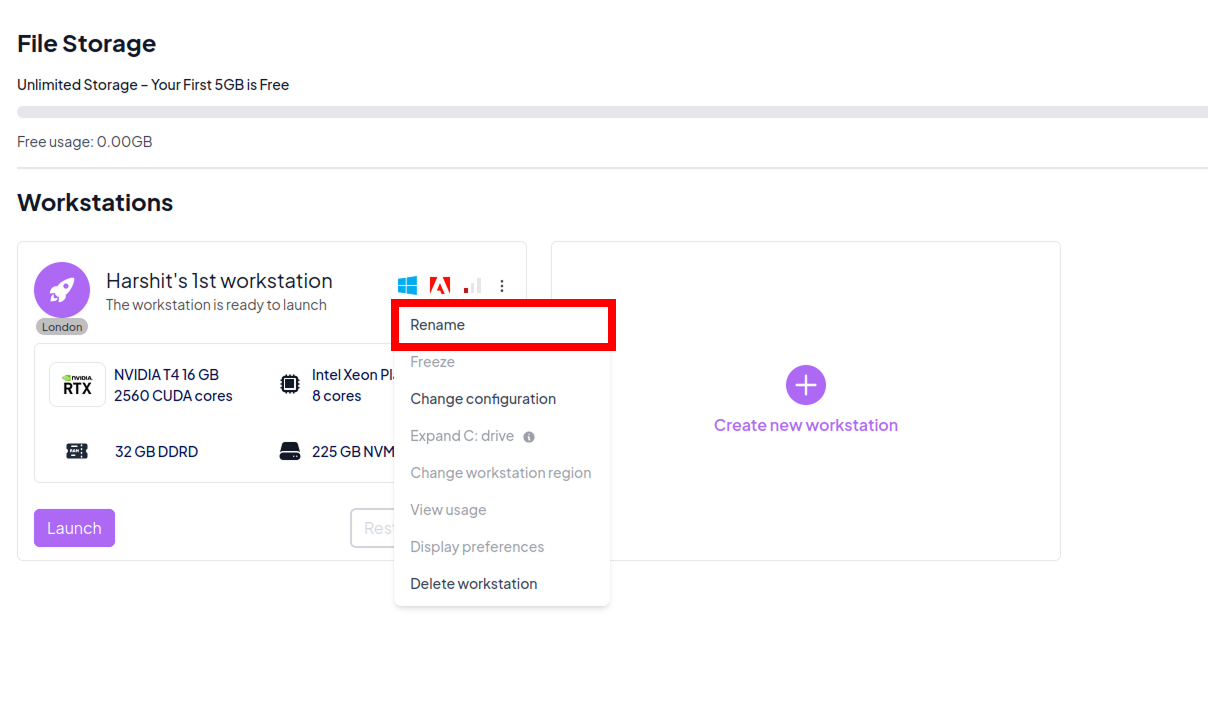 |
| Display Preferences | Configure display-related settings for the workstation UI. | Running | 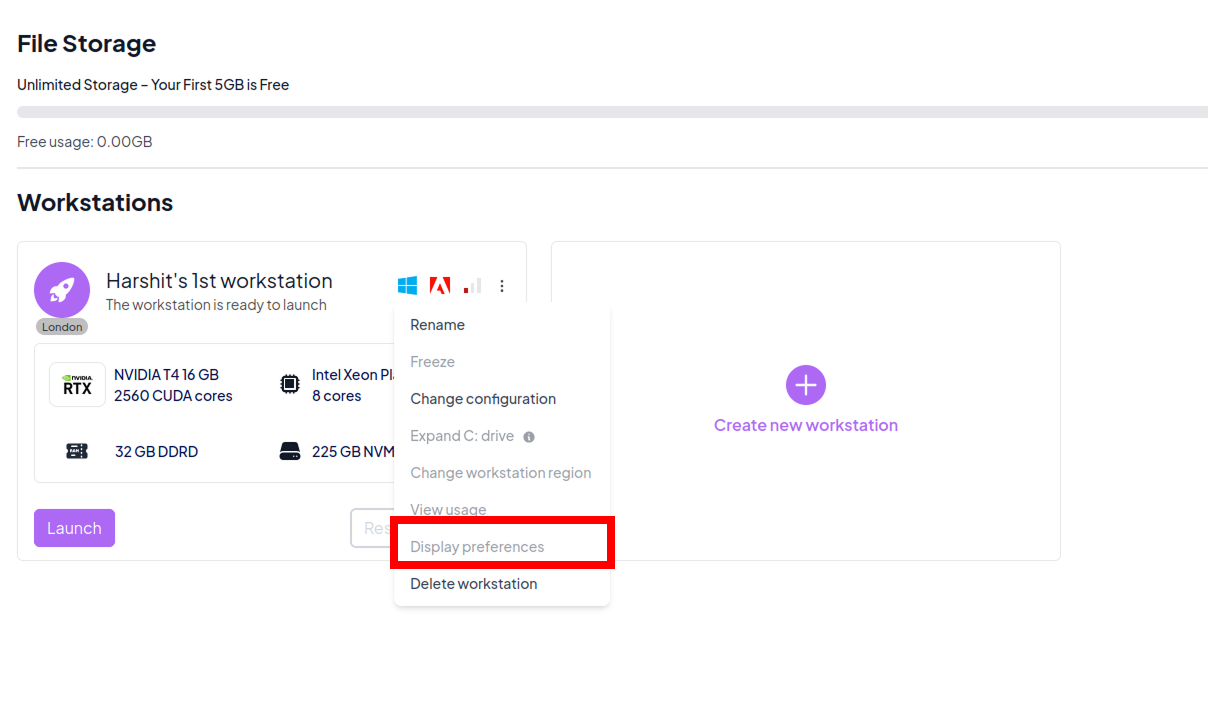 |
| Change Configuration | Lets you modify CPU, GPU, RAM, or storage settings. | At Startup | 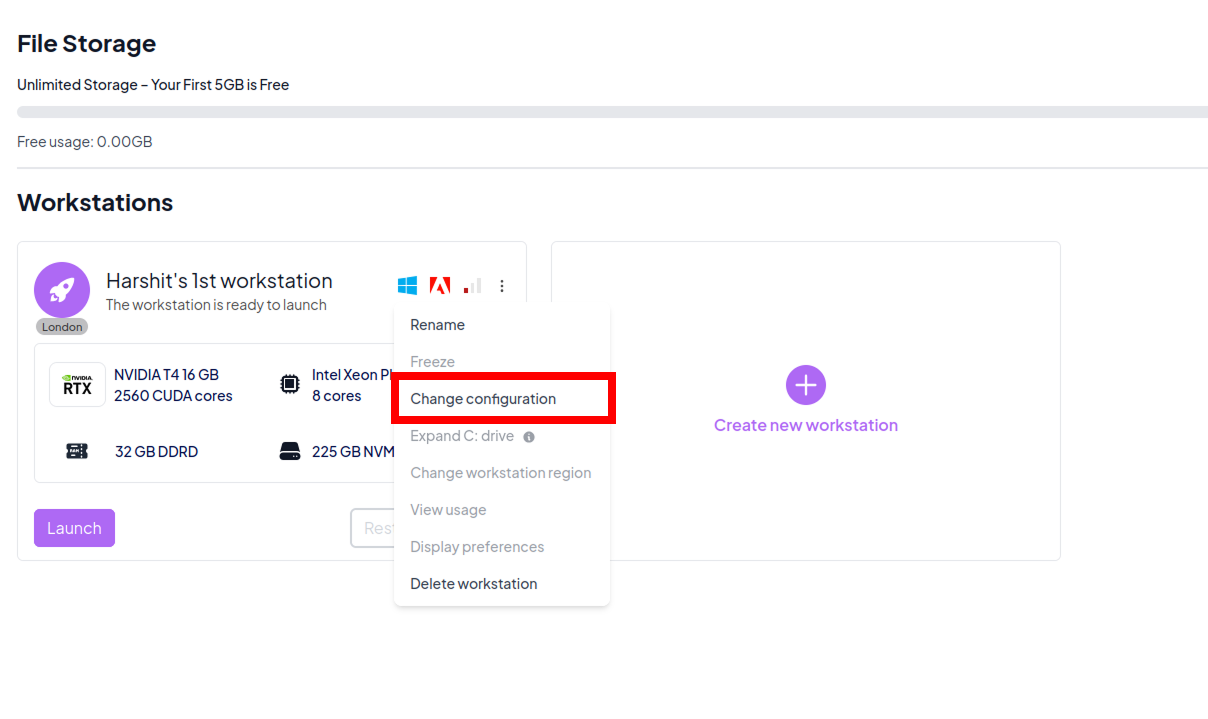 |
| Expand C: Drive | Increases the storage capacity of the system's primary disk (C:). | Running |  |
| View Usage | Shows statistics on compute time, storage consumption, and historical usage. | Running | 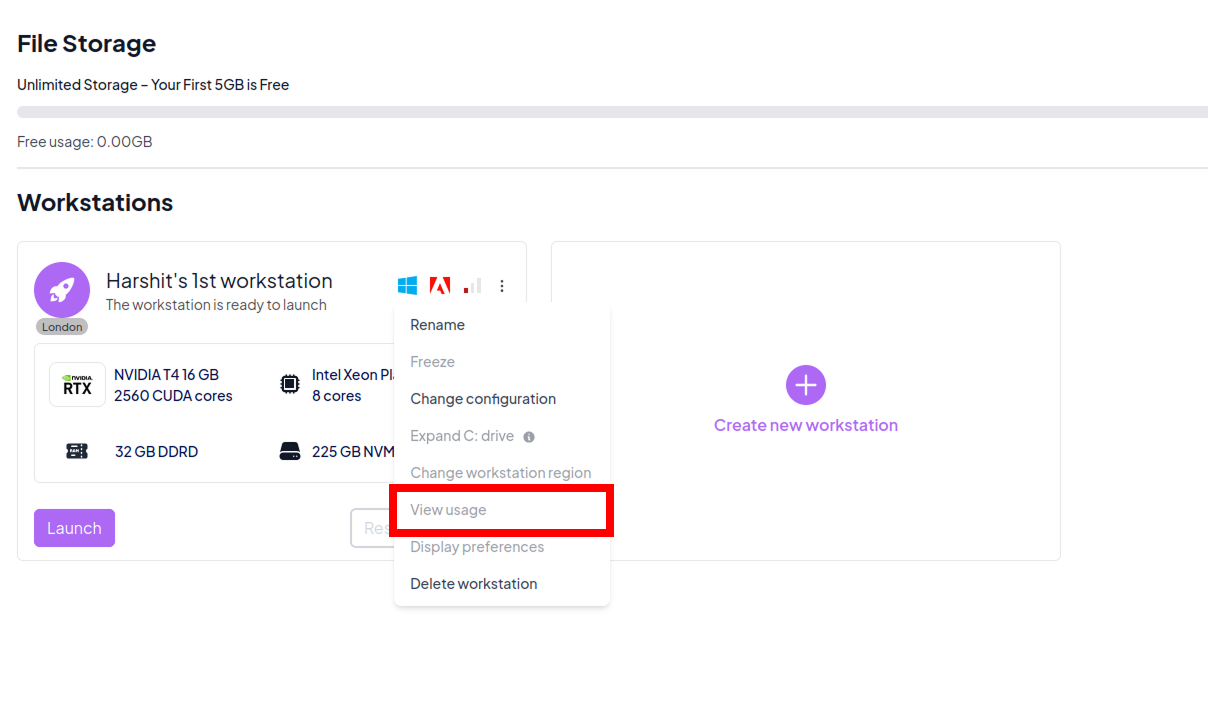 |
| Usage Metrics | Opens a detailed metrics view showing last run time and total run time, along with system performance charts for CPU usage, RAM usage, GPU usage, storage used, disk read, disk write, network received, and network sent. | At Startup | 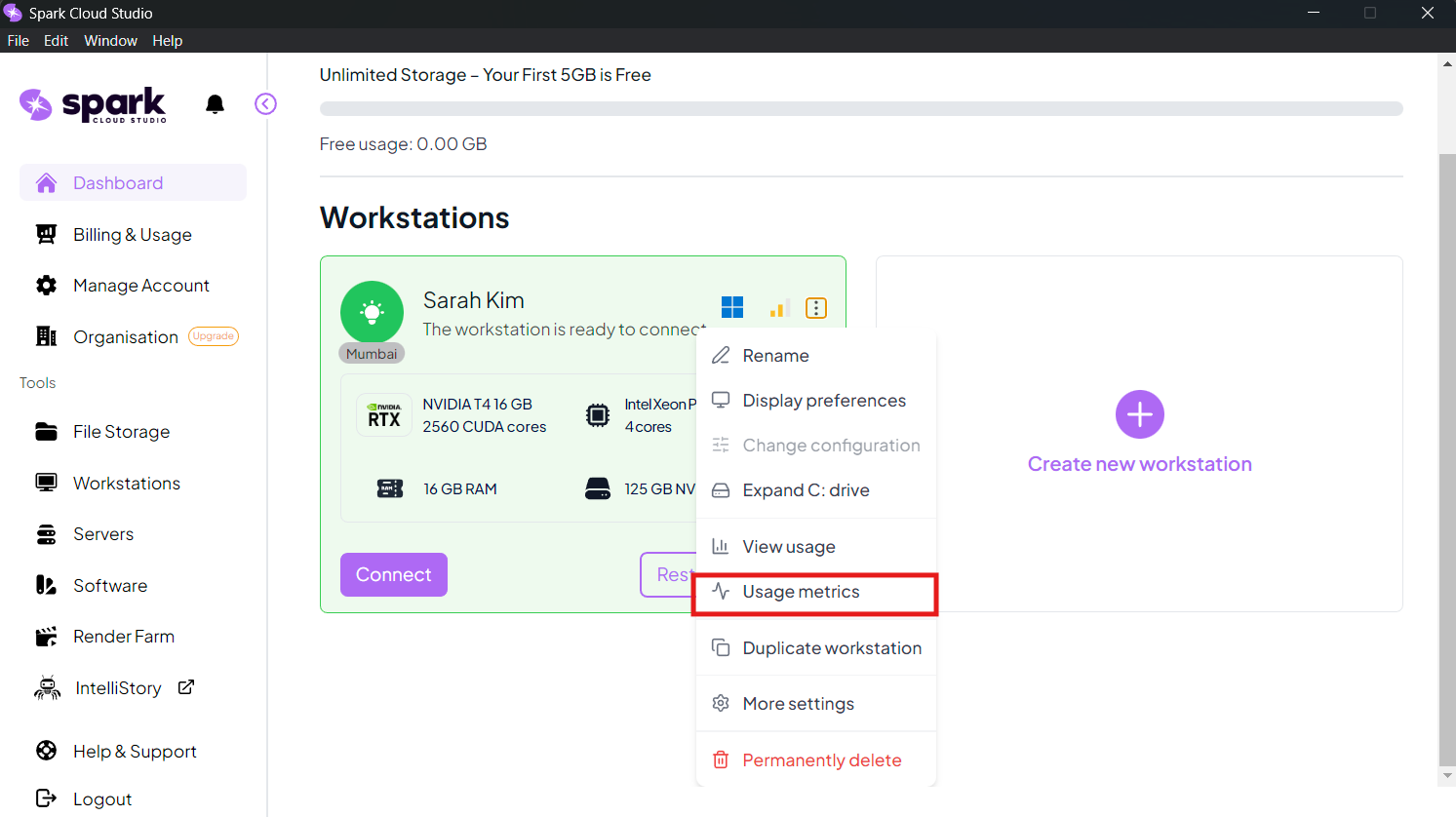 |
| Duplicate Workstation | Create an exact replica of your workstation's configuration. | Running | 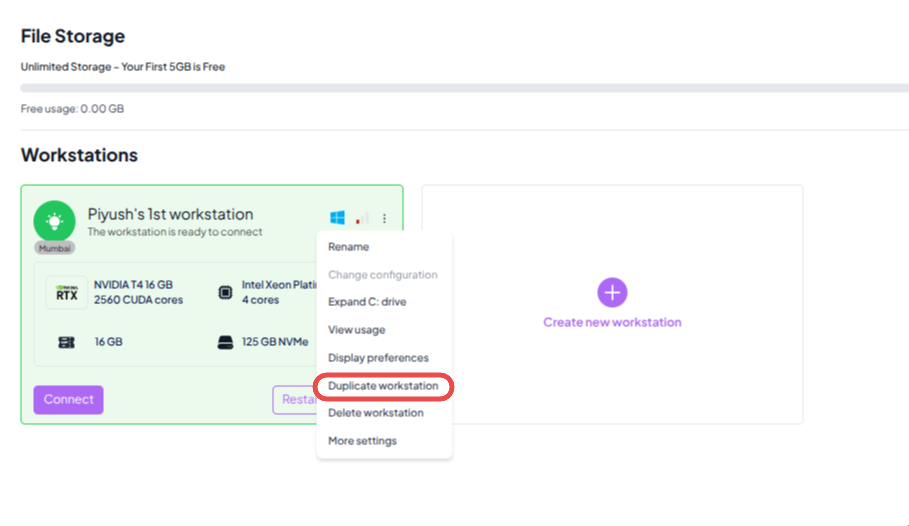 |
| More Settings | Access advanced workstation controls, including Freeze and Thaw, display configuration, and additional setup options through the More Settings. | At Startup | 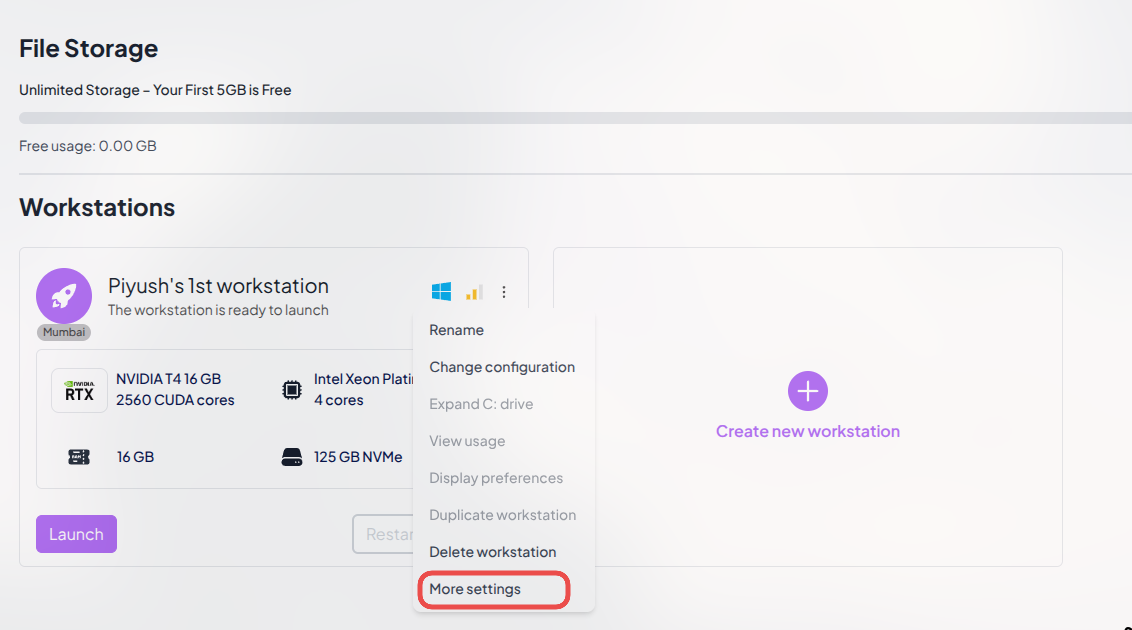 |
| Delete Workstation | Permanently deletes the workstation and all its associated resources. | At Startup |  |
Note
At Startupindicates that the feature is already available after arrival to the dashboard.Runningindicates that the feature is available only after launching the workstation.At Stopindicates that the feature appears only when the workstation is currently stopped.Coming Soonindicates that the feature is currently under development and will be available in future updates.- For feedback or early access to beta features, contact:
ignite@sparkcloud.studio