Billing & Usage
Overview
The Billing & Usage section of Spark Cloud Studio offers users a comprehensive, transparent, and real-time view of their financial and resource consumption activities within the platform. It is designed to provide complete visibility into various billing components, payment configurations, and usage metrics across all services that Spark Cloud Studio provides.
Key Features
-
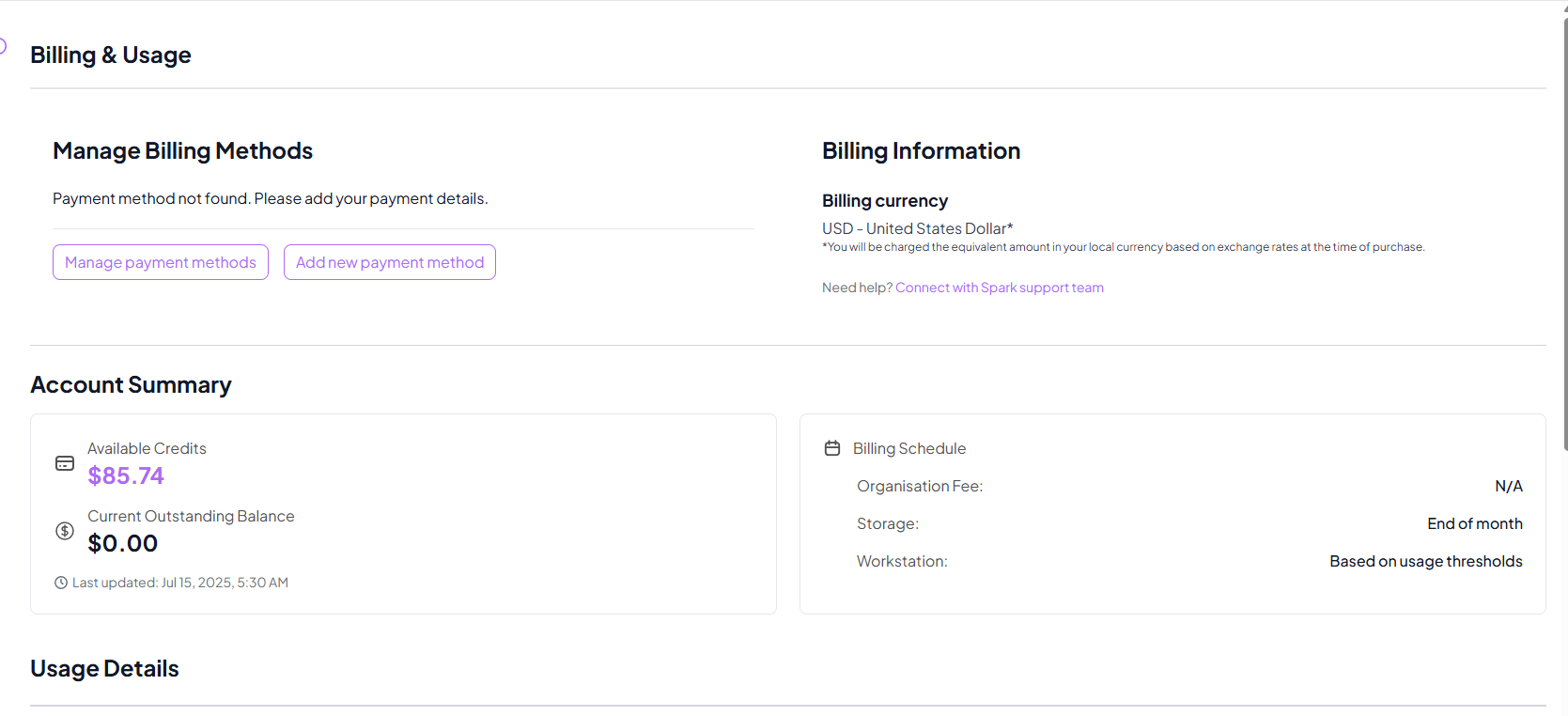
Manage Billing Methods:
Add, update, or remove payment options directly in your billing portal.
Learn more → -
Account Summary:
Includes current charges, outstanding balances, and the last updated timestamp.
Learn more → -
Billing Information:
Charges are made in USD and converted automatically at the current exchange rate.
Learn more → -
Billing Schedule:
- Organisation Fee: Billed monthly on the date of organisation creation.
- Storage: Billed at the end of each month.
- Workstation: Dynamically billed based on real usage.
Learn more →
Usage Details by Service
Each service has its own detailed billing and usage tracking section.
- Track workstation usage by date, duration, and charges.
- Includes both All Transactions View and Workstation View.
- Monitor cost trends and manage resource time efficiently.
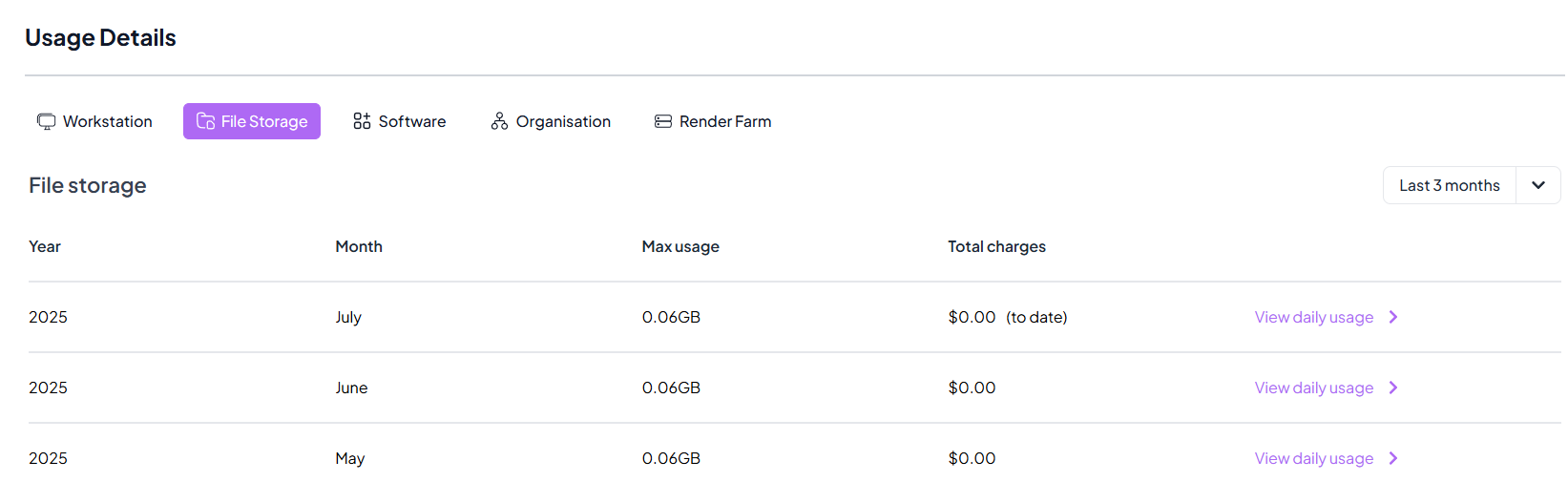
- View monthly and daily storage usage with respective costs.
- Click View Daily Usage to open a detailed usage breakdown for any month.
- Stay within your budget by analyzing file usage trends.
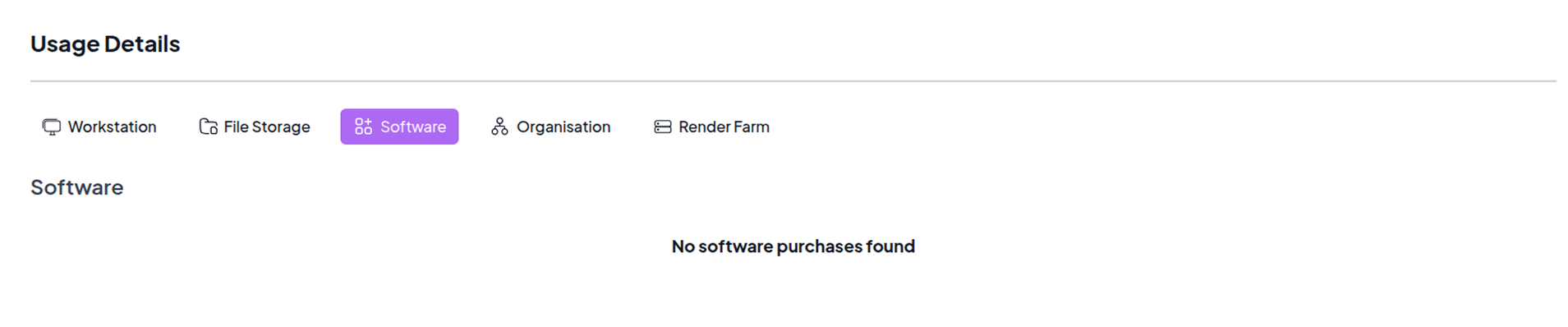
- Review all software purchases made through Spark Cloud Studio.
- Monitor renewal cycles and active software subscriptions.
- Track your monthly organisation-level charges and fees.
- View detailed breakdowns per billing cycle.
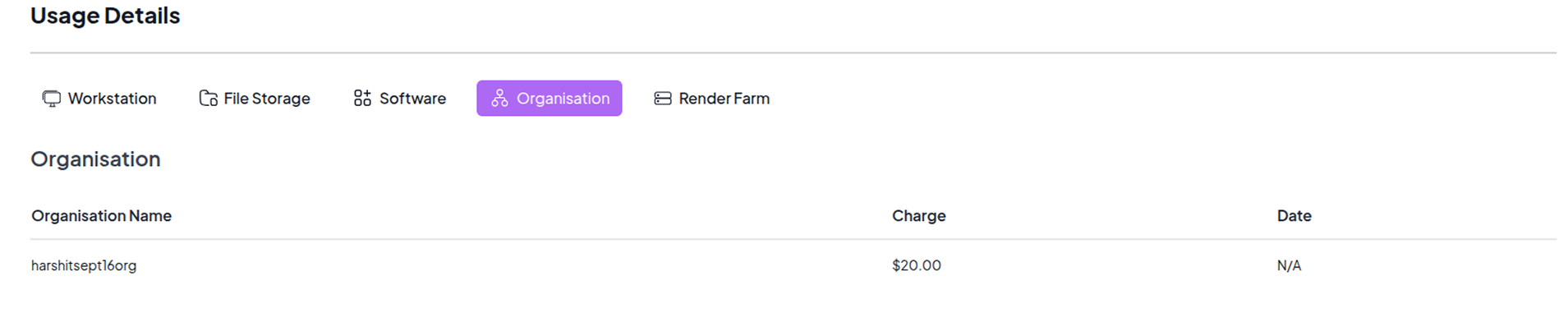

This feature is available for organisations. You can learn more about Billing here.
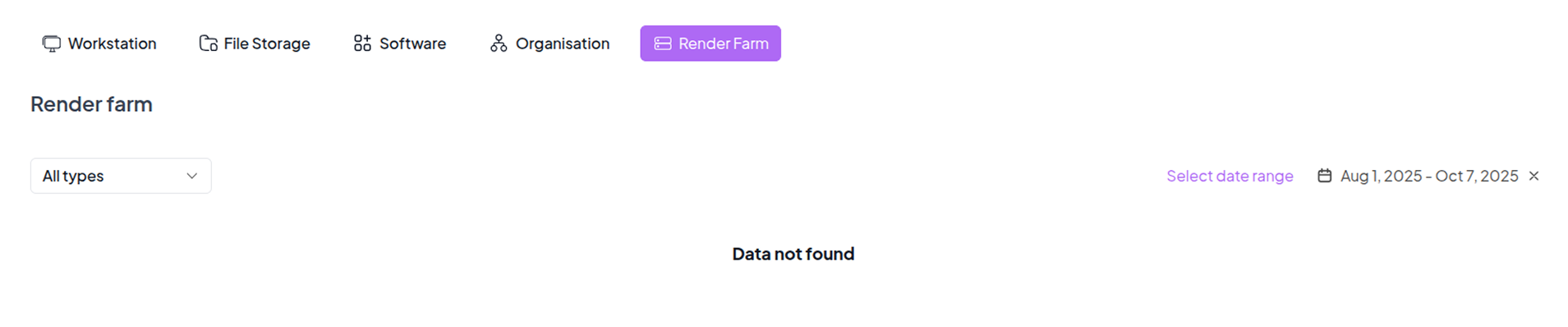
- Unlock high-performance rendering for your projects.
- Contact the Spark team to enable Render Farm for your organisation.
- Once enabled, track detailed rendering usage and associated charges.
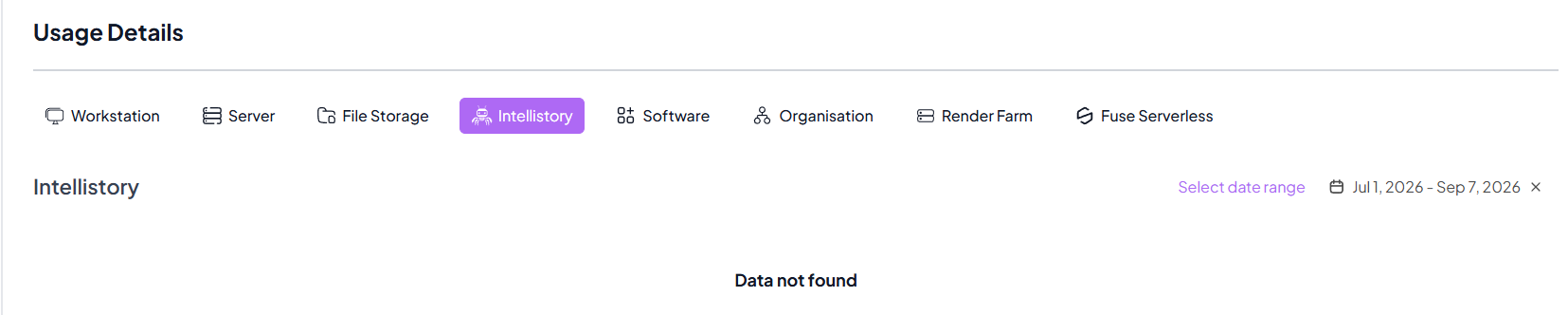
- Track generation usage and charges for IntelliStory projects.
- Generation costs are usage-based and shown in the app at generation time.
- Review generation entries by date, project context, and charge amount.
Monitoring & Optimization
-
Custom Date Range Filters:
Filter usage and billing records for specific time windows to identify spending patterns.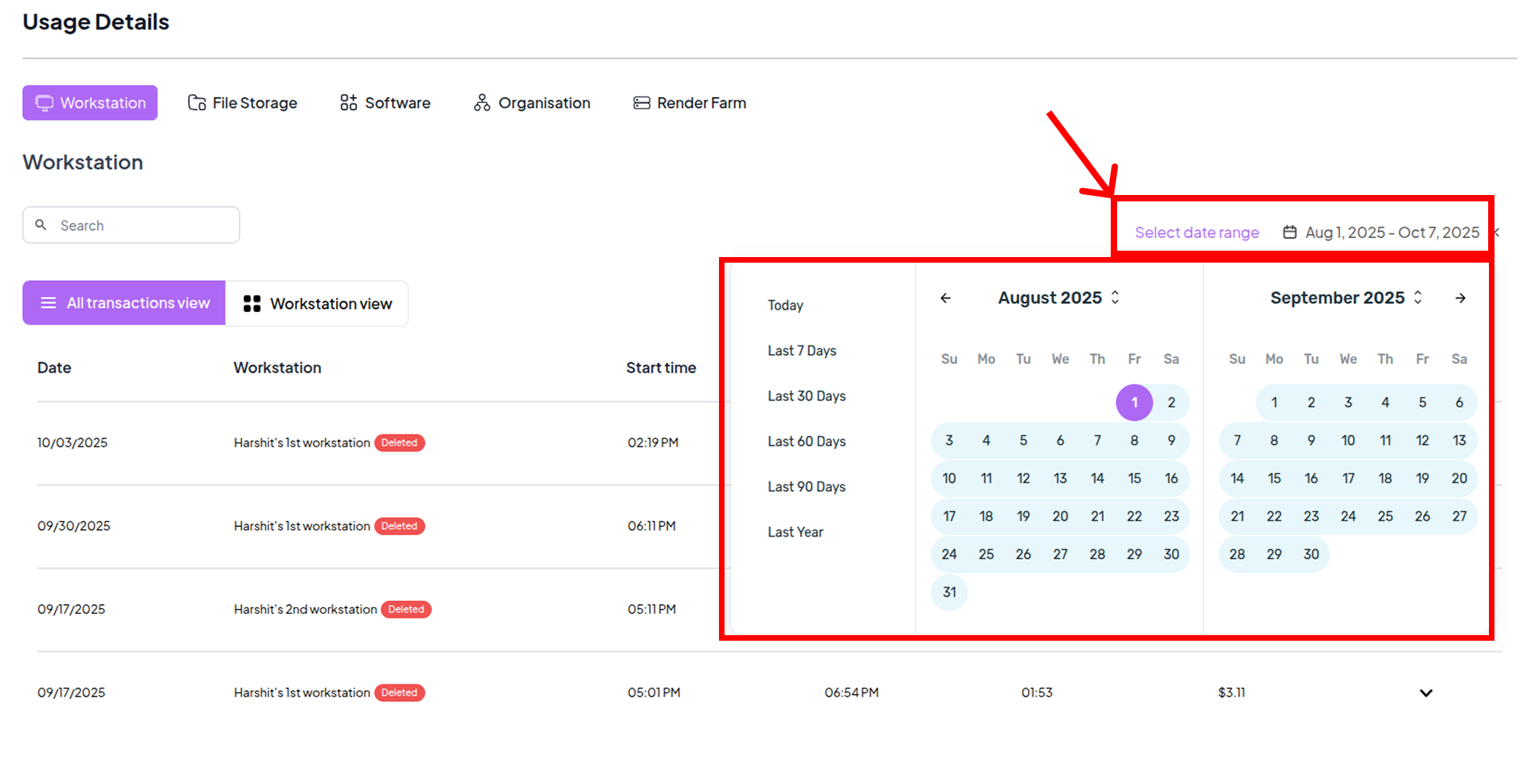
-
Real-Time Tracking:
Data updates periodically to ensure up-to-date information and charge accuracy.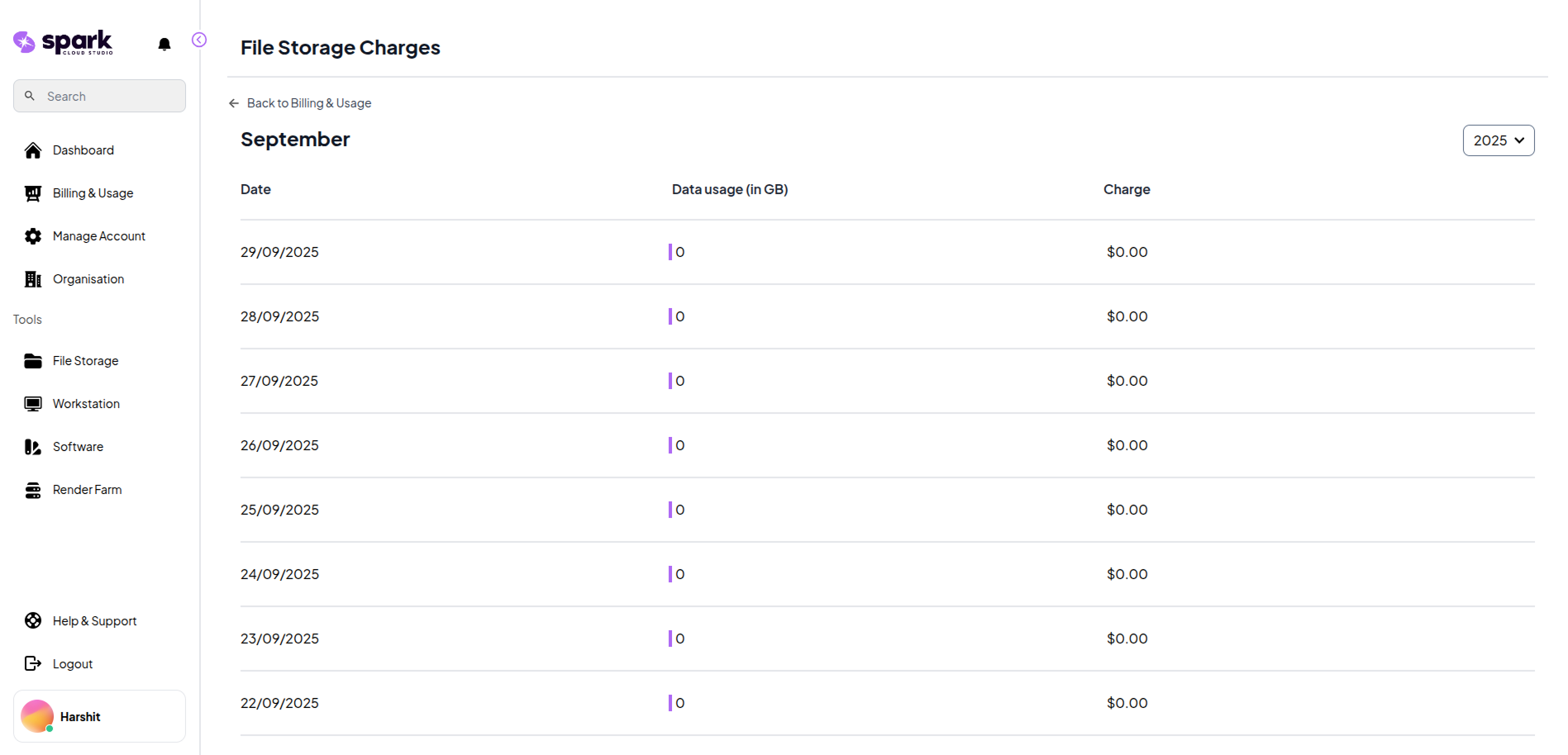
Benefits
Transparency
Every expense and charge is clearly recorded, preventing surprises in billing.
- Detailed logs of all workstation sessions and file storage usage.
- Clear billing breakdowns for all cloud services.
- Real-time updates to keep you informed of charges.
Control
Enable proactive management of resource usage to prevent cost overruns.
- Custom date range filters to analyze trends over time.
- Resource-specific views to monitor high-usage.
- Usage alerts and thresholds to avoid unexpected costs.
Flexibility
Multiple payment methods and dynamic billing cycles give you full control.
- Easily add, update, or remove billing methods.
- Flexible cycles for workstations, storage, and software.
- Pay only for the resources you use with scalable options.