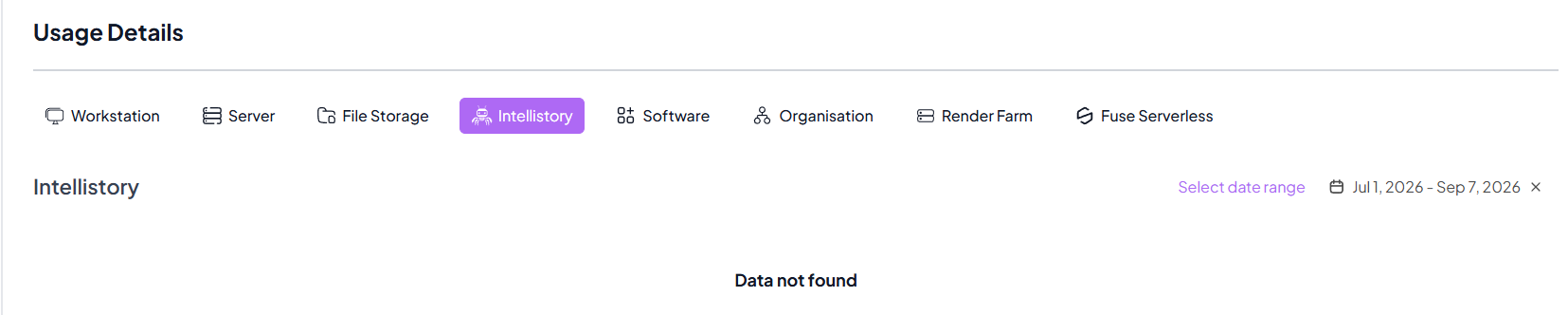
Usage Details
Overview
Welcome to the Usage Details section of Spark Cloud Studio.
Here, you can track, monitor, and analyze your resource consumption and associated charges across all services.
This section helps you optimize resource usage, manage budgets, and gain full visibility over every billed component in your workspace.
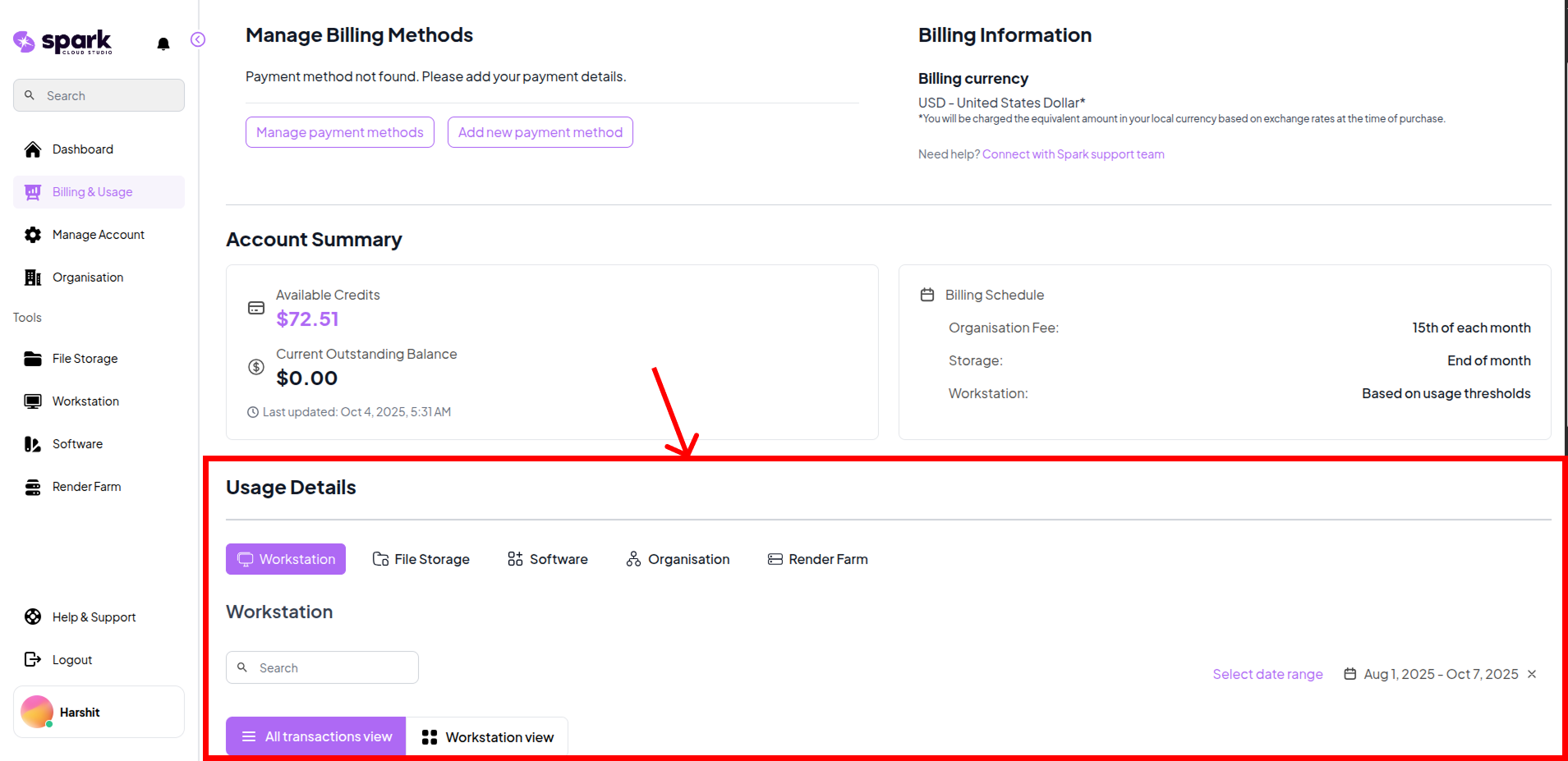
Workstation Usage
- Track detailed workstation activity through two main views — All Transactions and Workstation View.
- All Transactions View: Lists each individual session with time, duration, and charge details.
- Workstation View: Groups sessions by workstation to display total usage time and cumulative costs per machine.
- This helps identify cost-heavy workstations and review exact session-wise billing history.
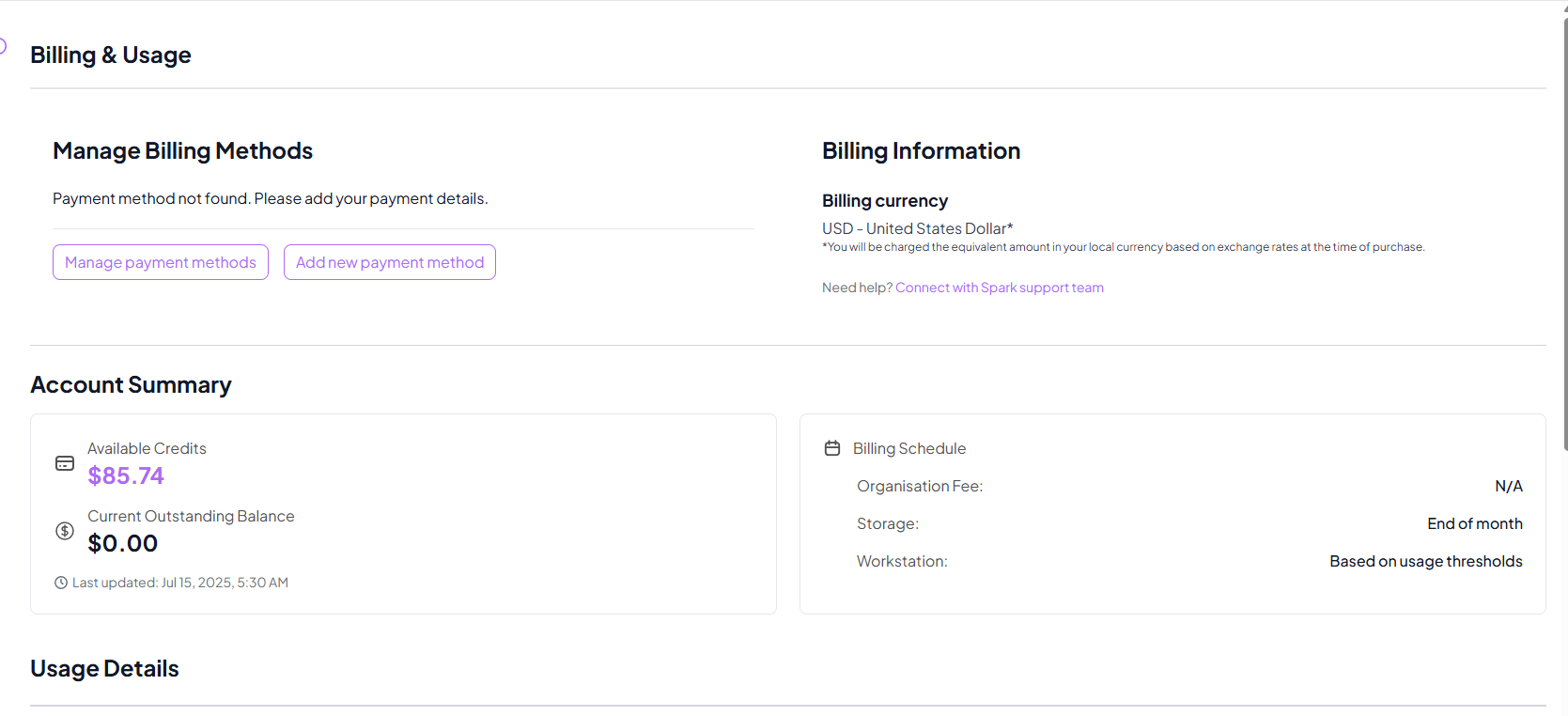
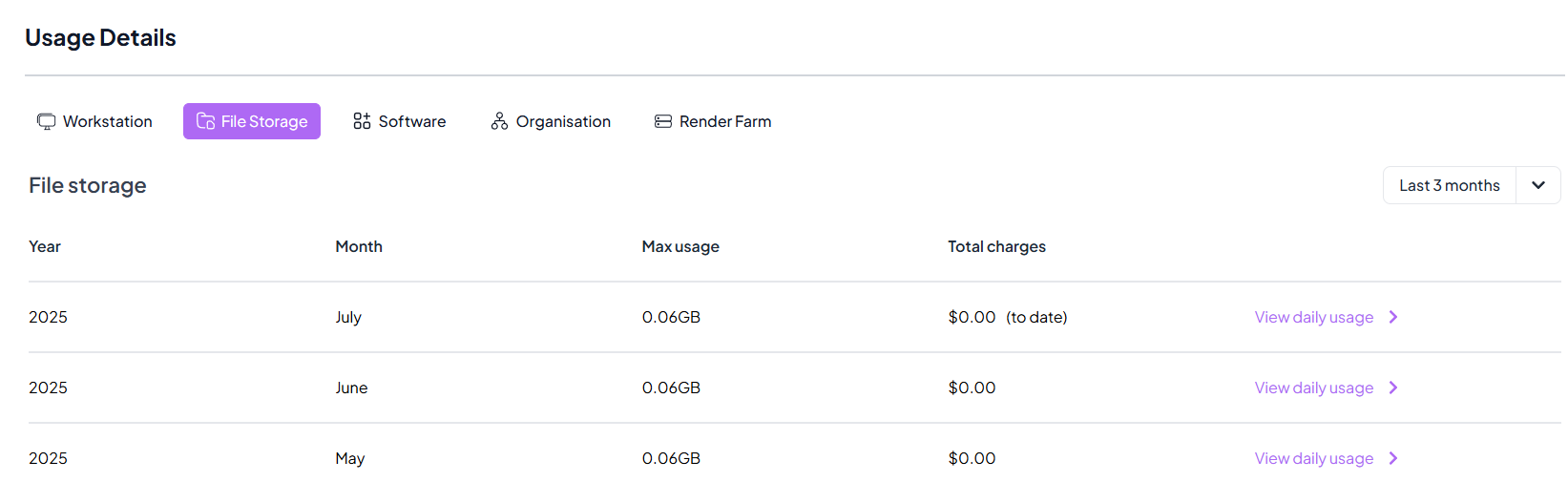
File Storage Usage
- Monitor your cloud file storage usage and associated monthly and daily costs.
- Monthly Usage: Displays total and peak storage usage along with total monthly charges.
- Daily Usage: Provides a day-by-day breakdown of data usage and corresponding costs for finer insights.
- This view helps in managing storage consumption patterns and maintaining cost efficiency.
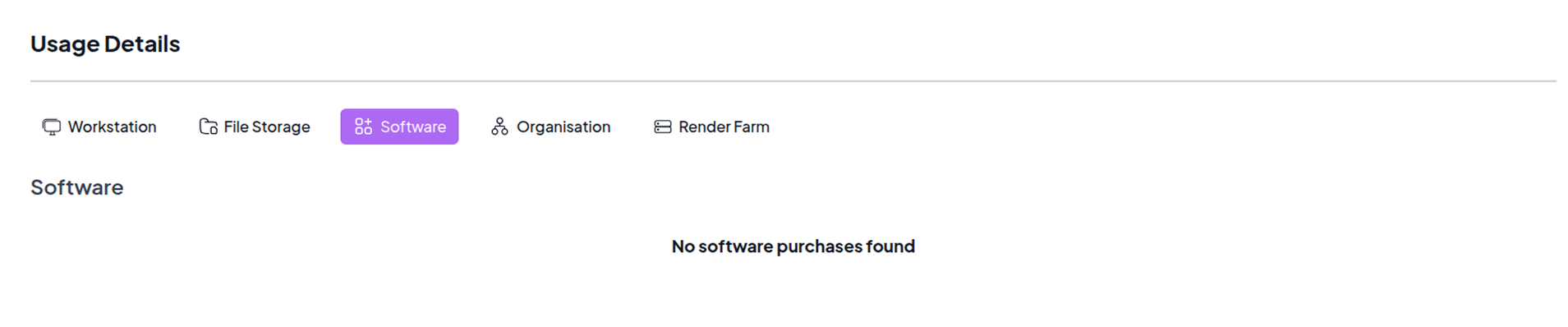
Software Purchases
- View and manage all software purchases made through Spark Cloud Studio.
- Keep track of all paid tools or applications associated with your workstations and projects.
Organisation Charges
- Track monthly organisation charges.
- Summarized monthly billing helps organizations monitor collective costs efficiently.
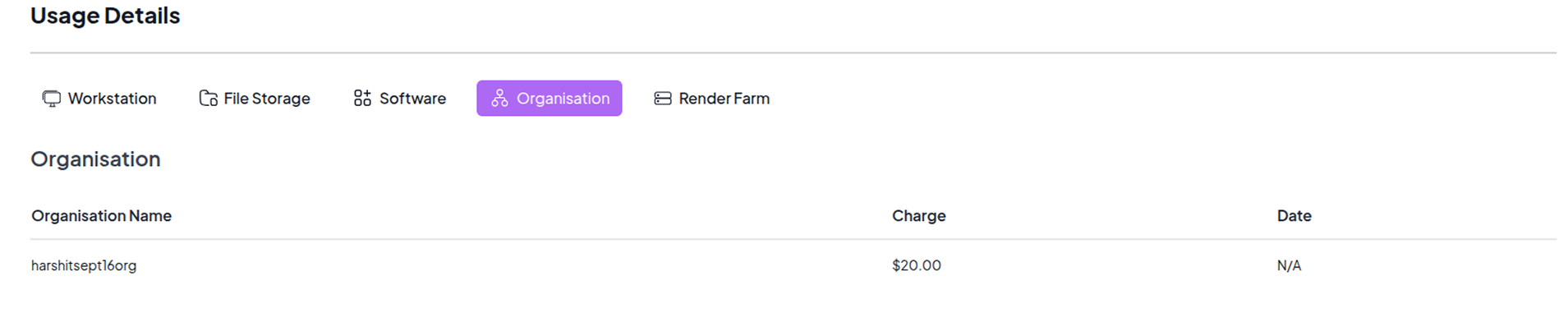

This feature is available for organisations. You can learn more about Organisations here.
Render Farm Charges
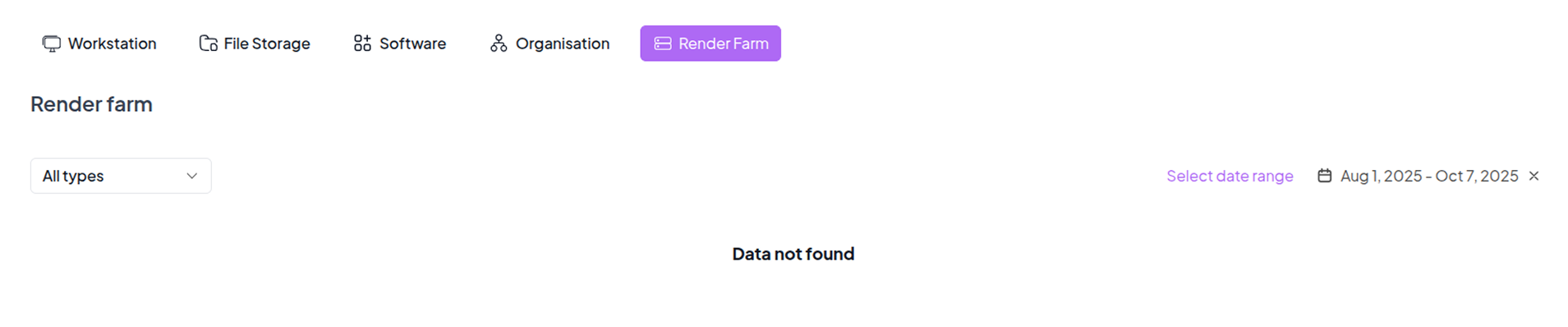
- View and analyze charges associated with using the Renderfarm service.
- Note: To enable and use the Renderfarm feature, please contact our team for setup and access permissions.
IntelliStory Usage
- Track IntelliStory generation activity and associated charges.
- Generation billing is usage-based; costs are also shown in-app at generation time.
- Review generation entries by date, project context, and charge amount.