Choosing the Right Workstation
Setting up your workstation in Spark Cloud Studio is the first, and most important, step in optimizing your remote pipeline. Spark offers multiple configurations to suit both technical and creative needs, whether you're a solo artist, TD, or a studio manager.
Two Ways to Start
Choose how you want to configure your workstation:
| Option | Ideal For | What It Does |
|---|---|---|
| Help Me Choose | Artists, designers, freelancers | Guides you based on creative focus. Gives curated workstation options. |
| Custom Config | Power users, studios, TDs | Full control over specs, GPU tier, OS, licensing, and storage. |
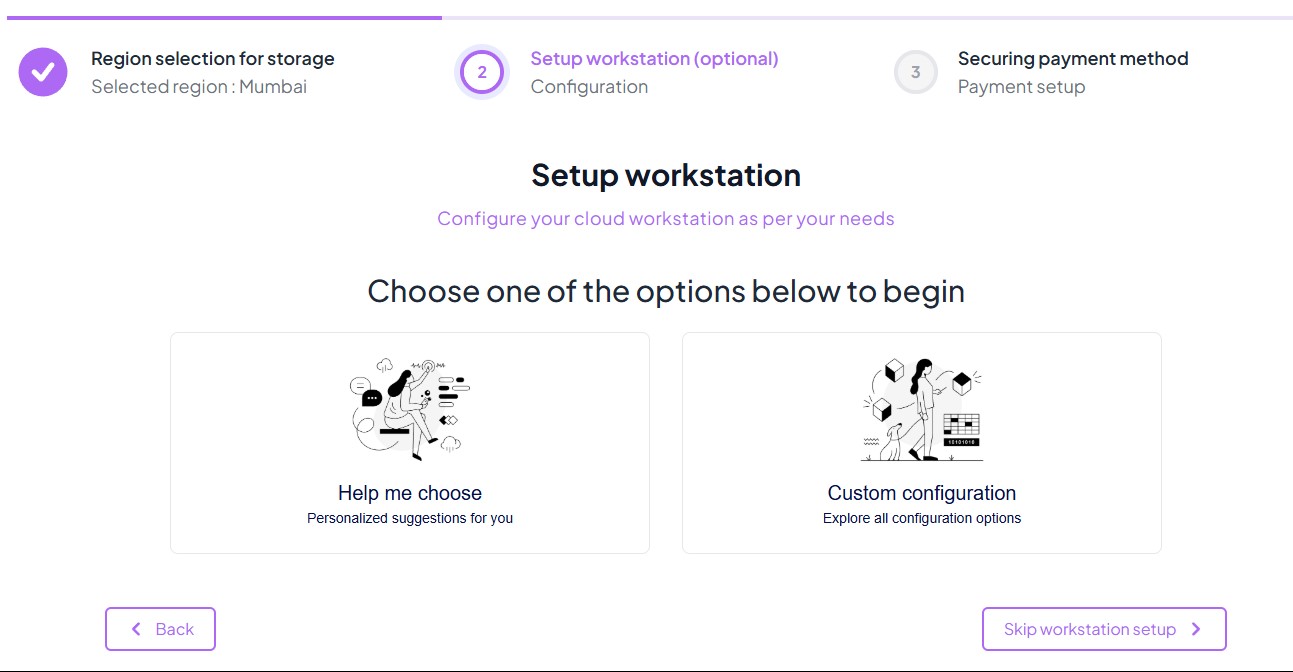
Help Me Choose
Spark helps you select the right machine based on your creative focus. Categories include:
- VFX & Animation
- Game Development
- Motion & Video Editing
- Architecture & Engineering
- AI Tool & Pipeline Development
- Others
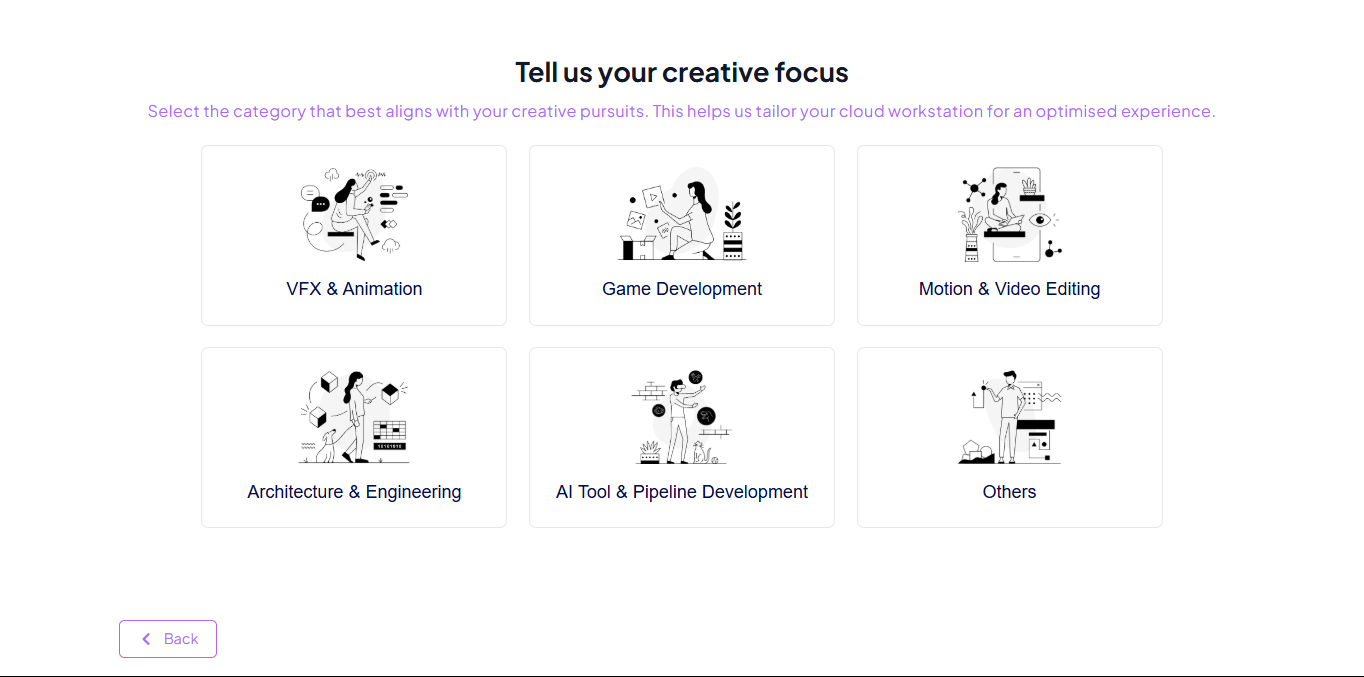
Each category presents a list of pre-optimized workstations, with suitable GPU, memory, and software compatibility. You can review and launch instantly , no guesswork needed.
Custom Configuration
For power users and studios that need precision control, the Custom Configuration path unlocks Spark’s full range of workstation types and capabilities.
GPU Types
Choose from various GPU-powered machines optimized for different workloads:
| GPU Model | Category | VRAM | Best For |
|---|---|---|---|
| NVIDIA T4 | Entry-level | 16GB | Light graphics tasks, remote app usage, 2D workflows |
| NVIDIA L4 | Low-mid range | 24GB | Lightweight 3D, video editing, AI inferencing, UE dev |
| NVIDIA A10 | Mid-high range | 24GB | 3D animation, simulation, Houdini, rendering, machine learning |
| NVIDIA L40S | High-end | 48GB | VFX, GenAI, 4K/8K renders, USD scenes, massive pipelines |
Workstation Specs
Spark’s cloud machines scale from lightweight setups to full-blown enterprise-grade workstations.
Windows 10, Windows 11, Ubuntu 24.04 LTS, and Rocky Linux 9 are now available.
All options come with Spark’s optimized drivers and system-level configurations for maximum performance and compatibility.
You can optionally include Pre-installed DCCs like Adobe Creative Cloud, Unreal Engine, Blender, Houdini, etc.
- Persistent volumes for your project files
- Temporary scratch disks for simulations or cache
- Option to mount shared volumes across teams
Can I Switch Workstations Later?
Yes. You can:
- Spin up multiple workstations simultaneously
- Switch between different types (e.g. Mid Tier → Top Tier) per task
- Stop/resume machines without losing storage or setup
- Auto-Shutdown controls idle timeouts and power settings.

GPUs are billed hourly, so remember to shut down machines when idle.
Summary: What You Get
| Feature | Included in All Workstations |
|---|---|
| High-speed streaming | Low-latency UI for real-time creative work |
| GPU acceleration | All machines include NVIDIA RTX or L-series GPUs |
| Persistent storage | Retain projects, volumes, and assets |
| App flexibility | Use Blender, Maya, Unreal, Houdini, Nuke, etc. |
| Security | End-to-end encrypted session & isolated instance |

Use the "Help Me Choose" path or reach out to support for tailored advice.