Create a Workstation from a Template
Create a Workstation from a Template
Once you have templates created, you can use them to spin up new workstations quickly.
This ensures consistency in configuration and saves time compared to setting up a workstation manually.
Step 1: Click 'Create from Template'
- Go to the workstation management view.
- Click the Create from Template button to begin.
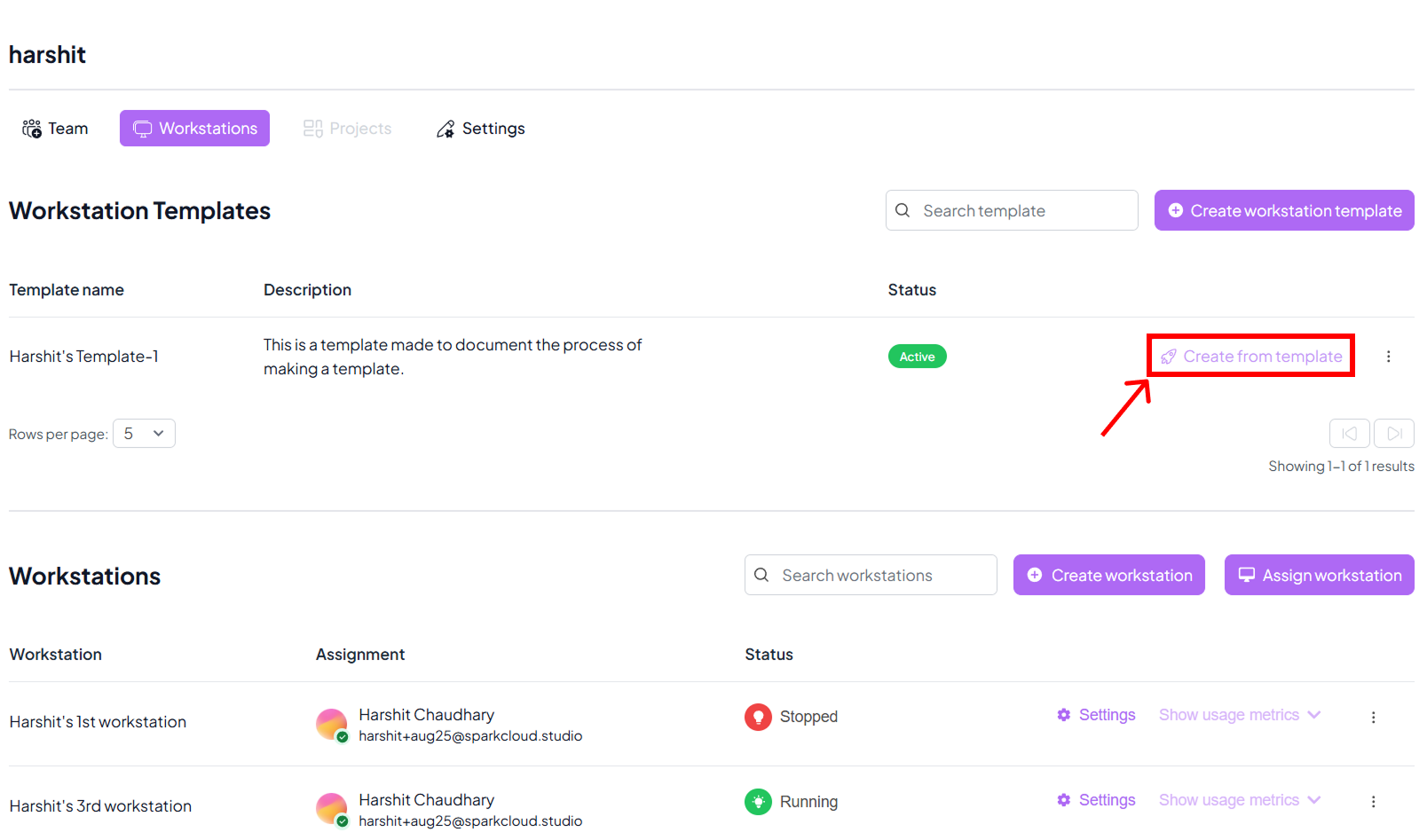
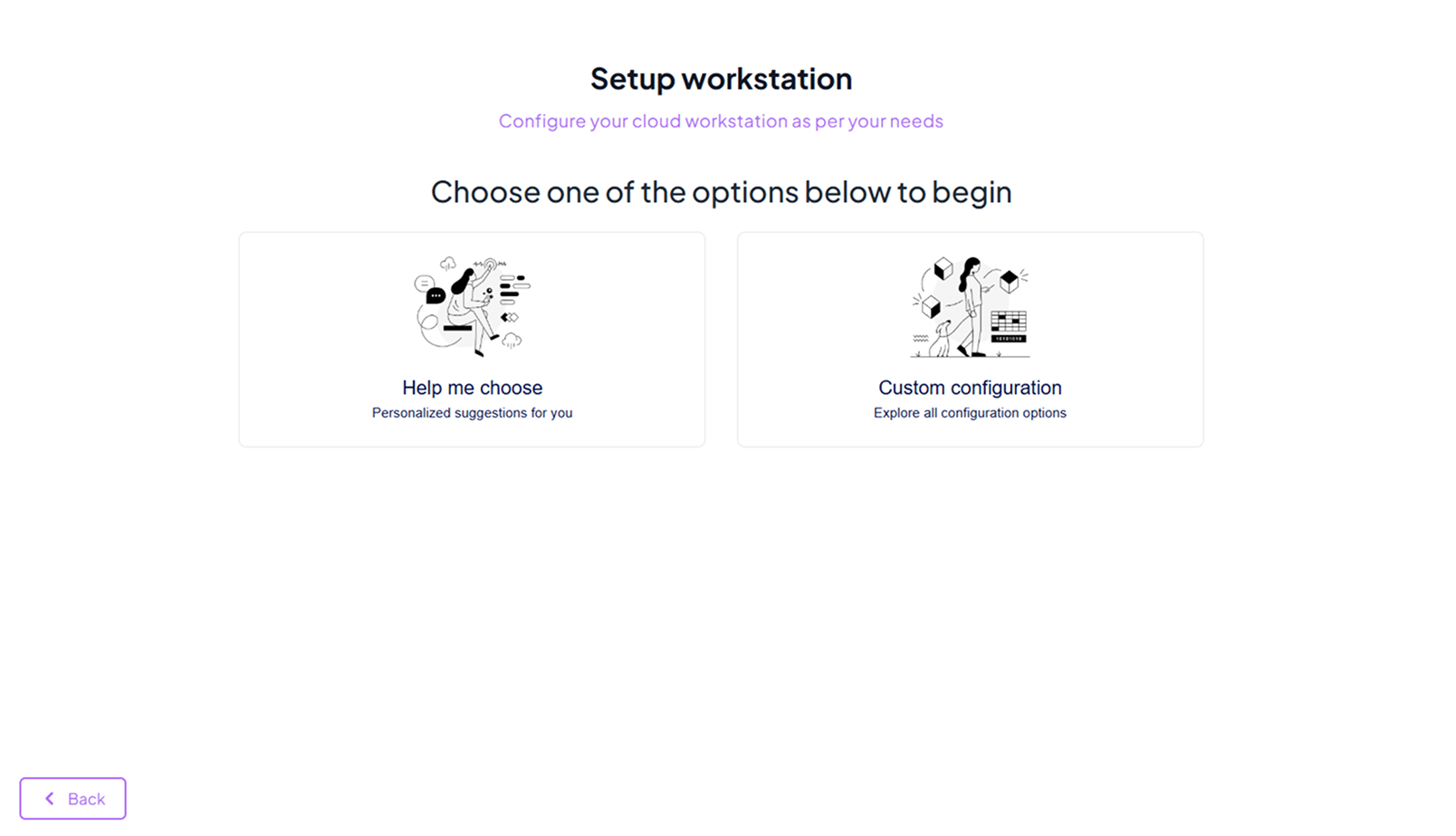
Step 2: Choose Creation Option
- Select the preferred method for creating your workstation.
- Options may include different template categories or base setups depending on your organisation.
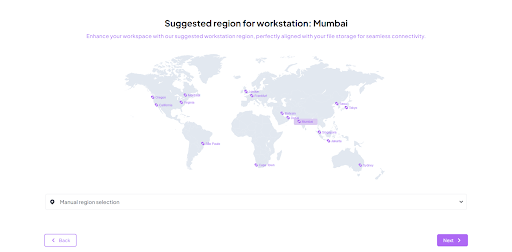
Step 3: Select Region
- Choose the data centre region where your workstation should be created.
- Picking a region close to your team improves performance and reduces latency.
Step 4: Choose Workstation Configuration
- Review the available configuration options (CPU, GPU, RAM, storage).
- Select the configuration that best matches your workload needs.
- Click Create to start provisioning the workstation.

Step 5: Workstation Created
- SparkCloud Studio will create your workstation from the chosen template.
- Once provisioning is complete, the workstation will appear in your dashboard.
- You can now launch and begin using it right away.