Server Tools
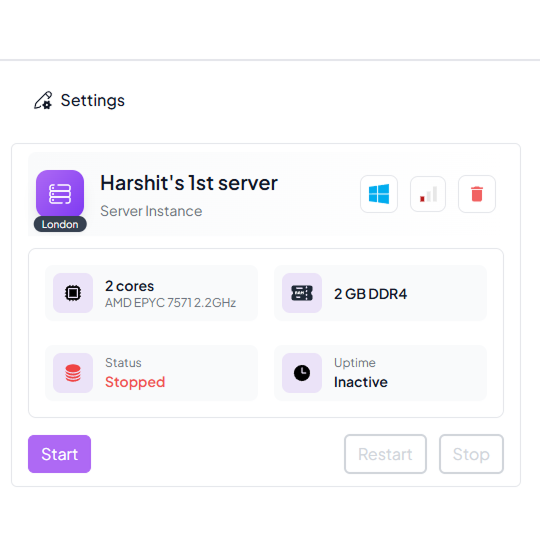
The Servers feature in Spark Cloud Studio provides tools to manage, monitor, and control your servers efficiently.
Start Server

Click the Start button to power on your server when it is in a Stopped state.
The server status will transition to Starting and then Running.
Restart Server
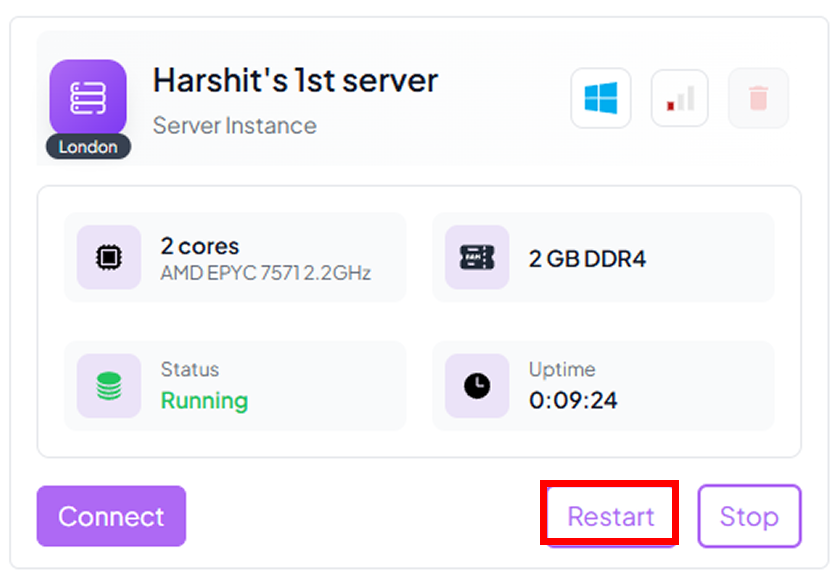
Click Restart to reboot your server while it is Running.
Useful for applying configuration changes or refreshing services.
Stop Server

Click Stop to temporarily shut down the server.
It will go from Running to Stopped without deleting resources.

Delete Server
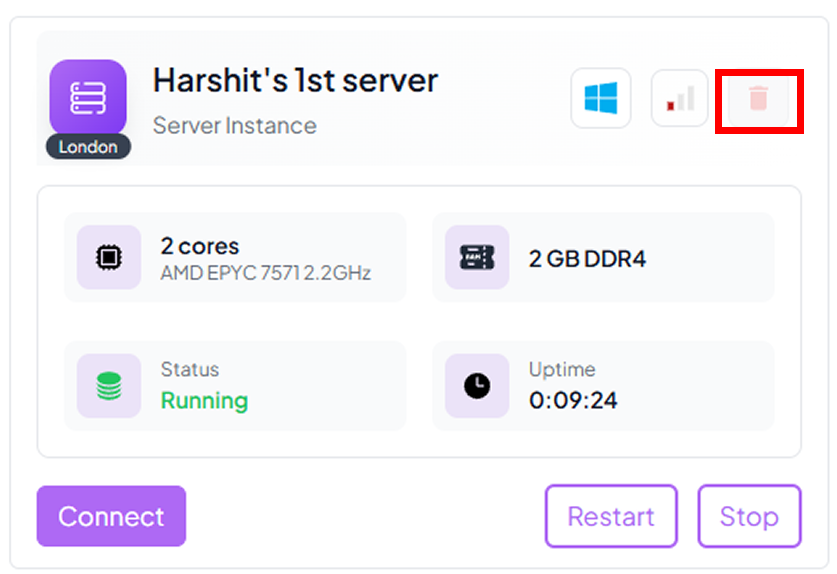
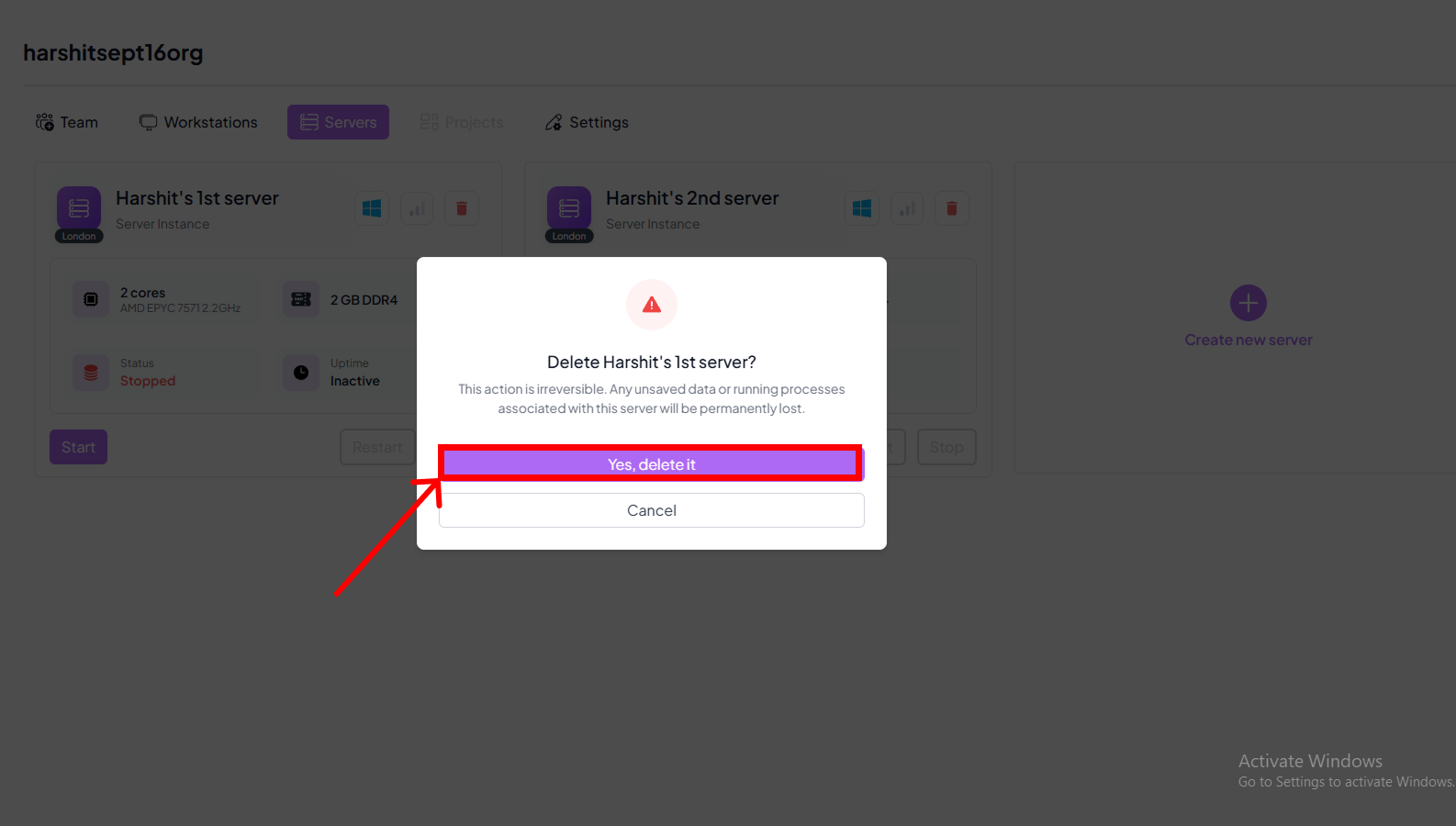
Click Delete to permanently remove the server and all associated data.
This action is irreversible.
Server Status / Flags
| Status | Tag | Description |
|---|---|---|
| Stopped | Stopped | The server is offline and inactive. |
| Running | Running | The server is active and operational. |
| Starting | Starting | The server is initializing. |
| Pending | Pending | A server action (creation, deletion, restart) is in progress. |
| Uptime | Uptime | Shows how long the server has been continuously running. |
| Latency | Latency | Shows the server response time for monitoring performance. |