Shares Section
Overview
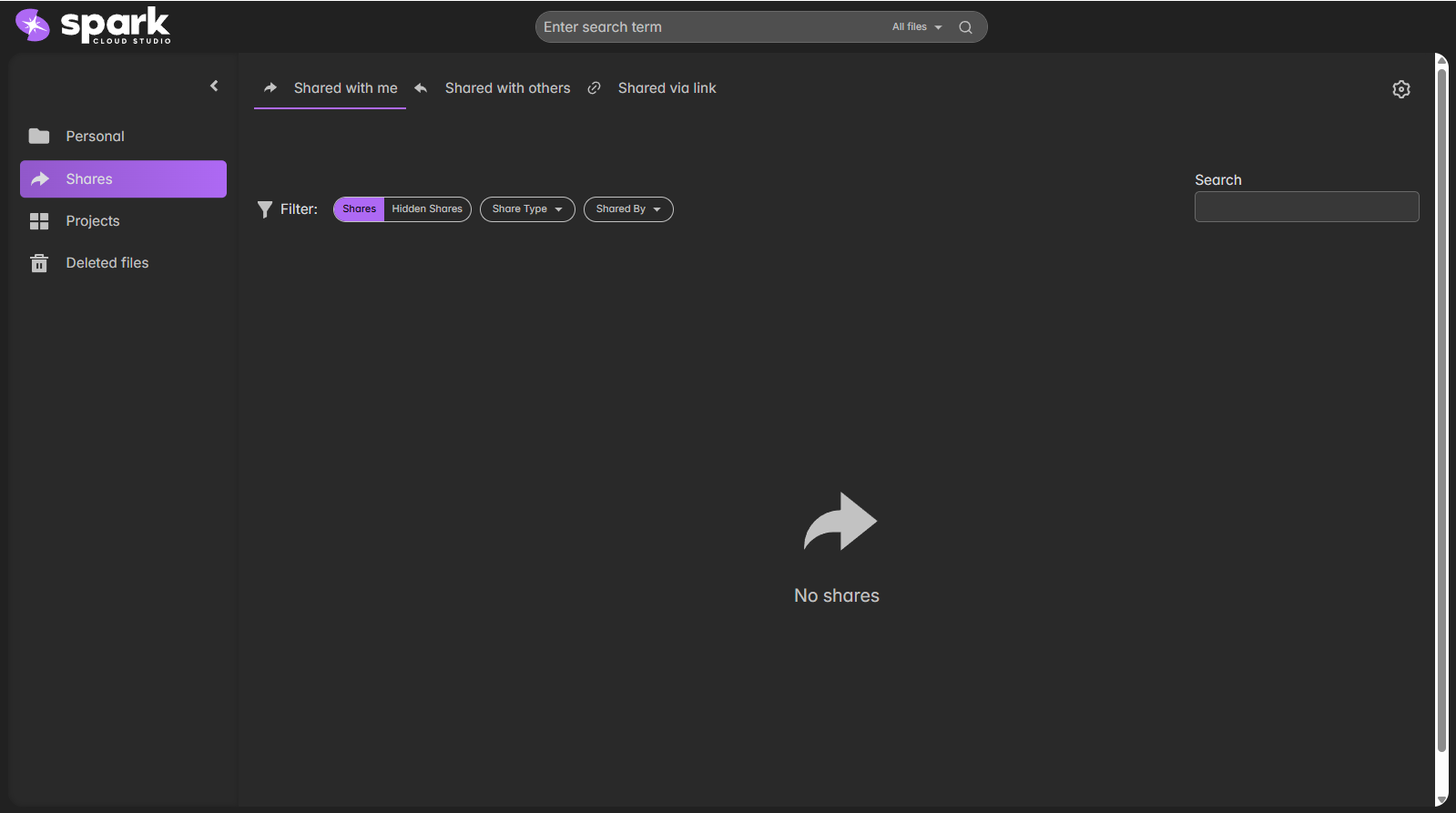
The Shares section helps you manage files shared across users — whether shared with you, by you, or via links.
You can also filter shares and perform quick searches for collaboration items.
Share Categories
| Category | Description |
|---|---|
| Shared with me | Displays all files and folders that other users have shared with your account. |
| Shared with others | Lists resources that you have shared with collaborators. |
| Shared via link | Contains resources accessible via public or link-based sharing. |
Filter and Search
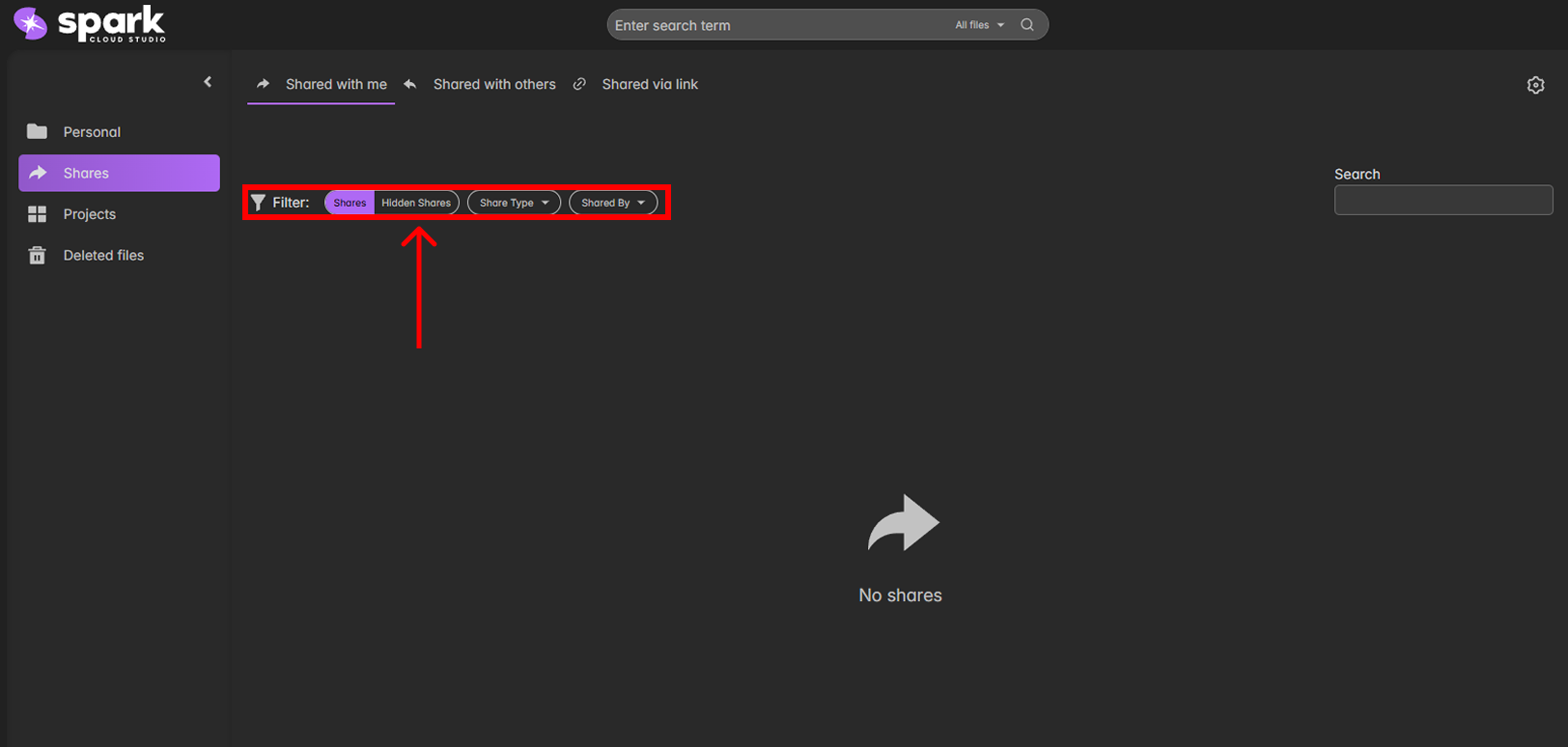
You can use the filters above the file list to narrow results based on Share Type, Shared By, or Visibility (Hidden/Shown).

Proceed with Caution
- Files can be kept private or shared with limited access, but link-based sharing should be used carefully, as anyone with the URL may be able to open them if the link is not password protected.
- Read more about link sharing here