Projects Section
Overview
The Projects section in SparkShareSync is where collaborative work happens.
You can create, organize, and manage projects shared among multiple users.
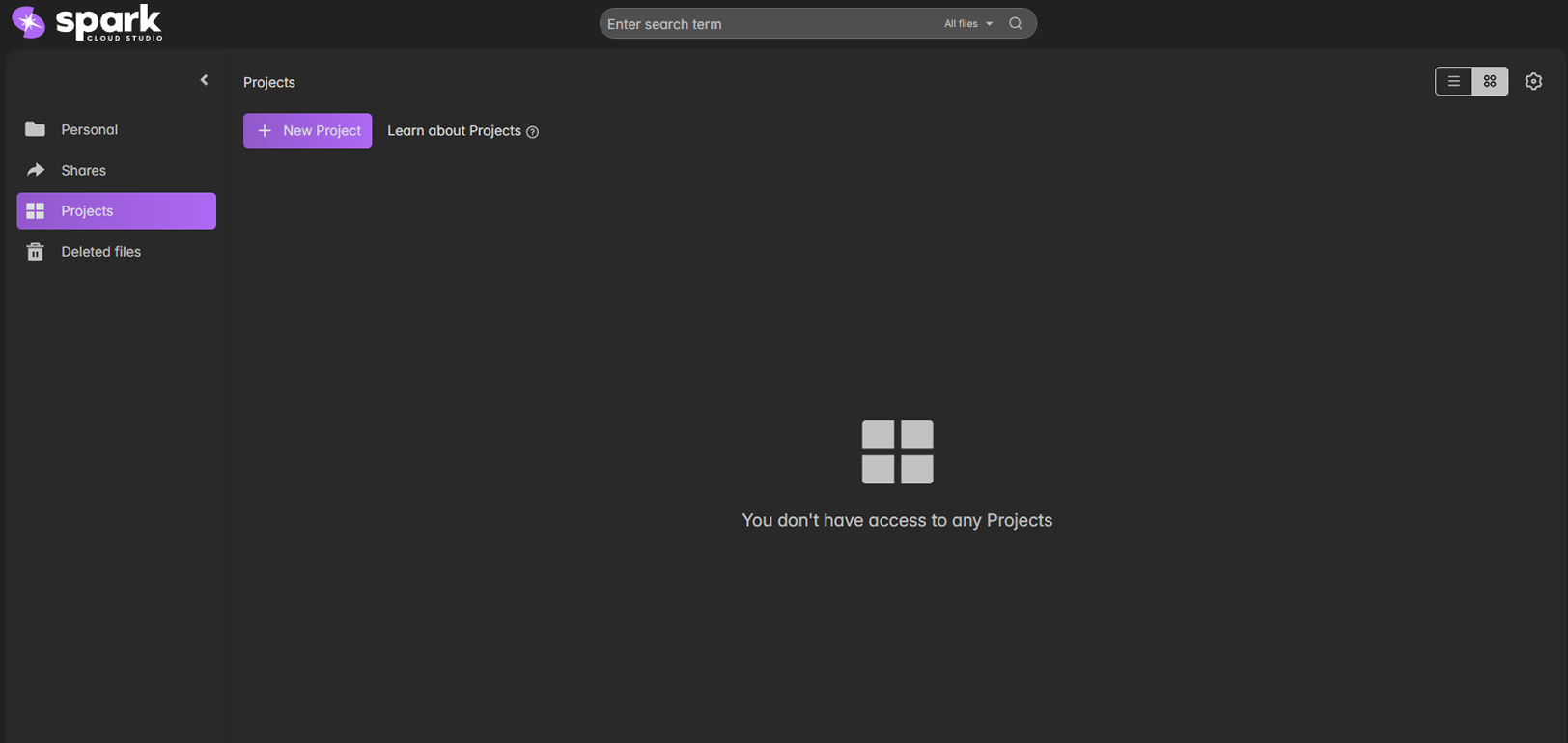
Key Options
| Option | Description | Screenshot |
|---|---|---|
| + New Project | Create a new project space for collaboration. | 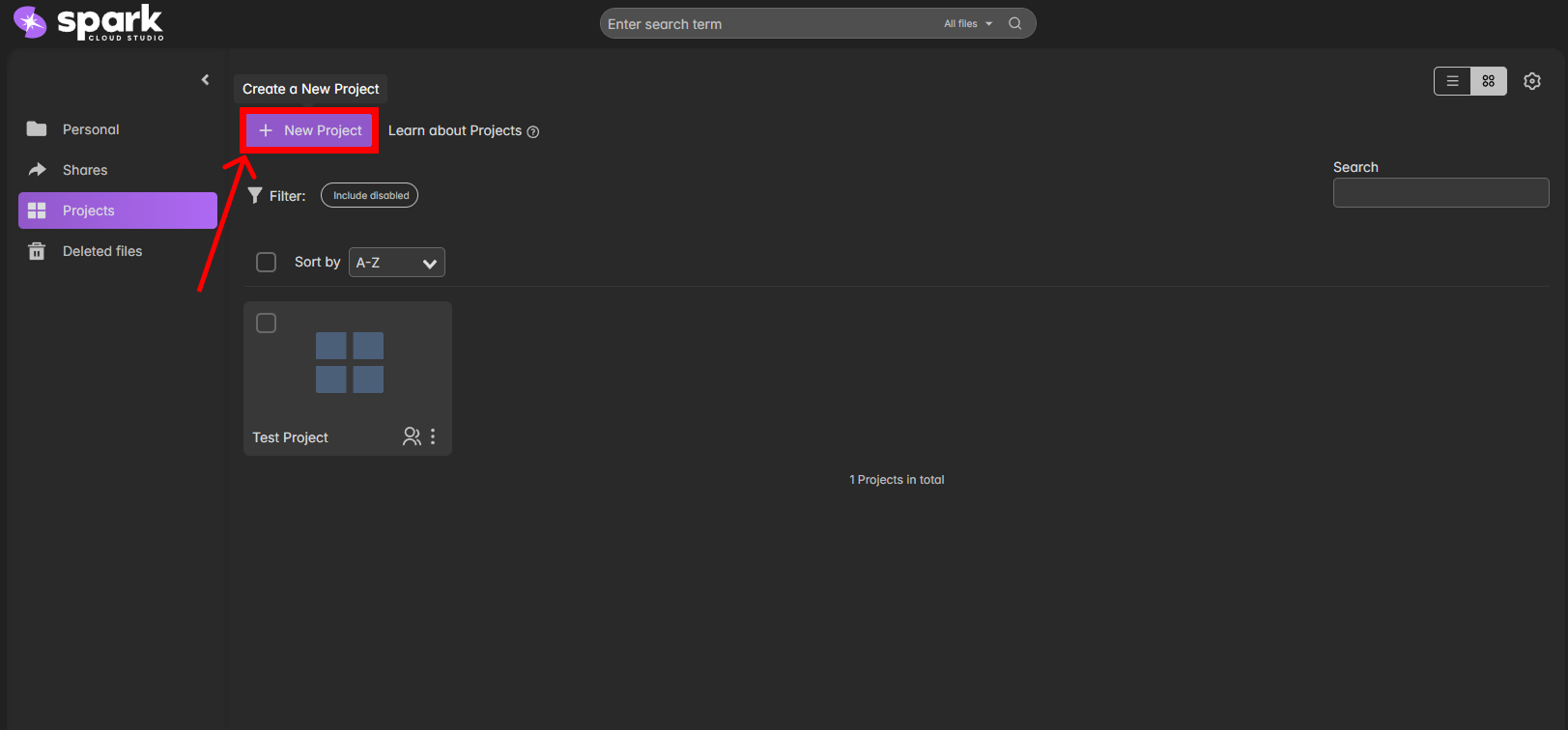 |
| Download / Duplicate | Quickly back up or replicate an existing project setup. | 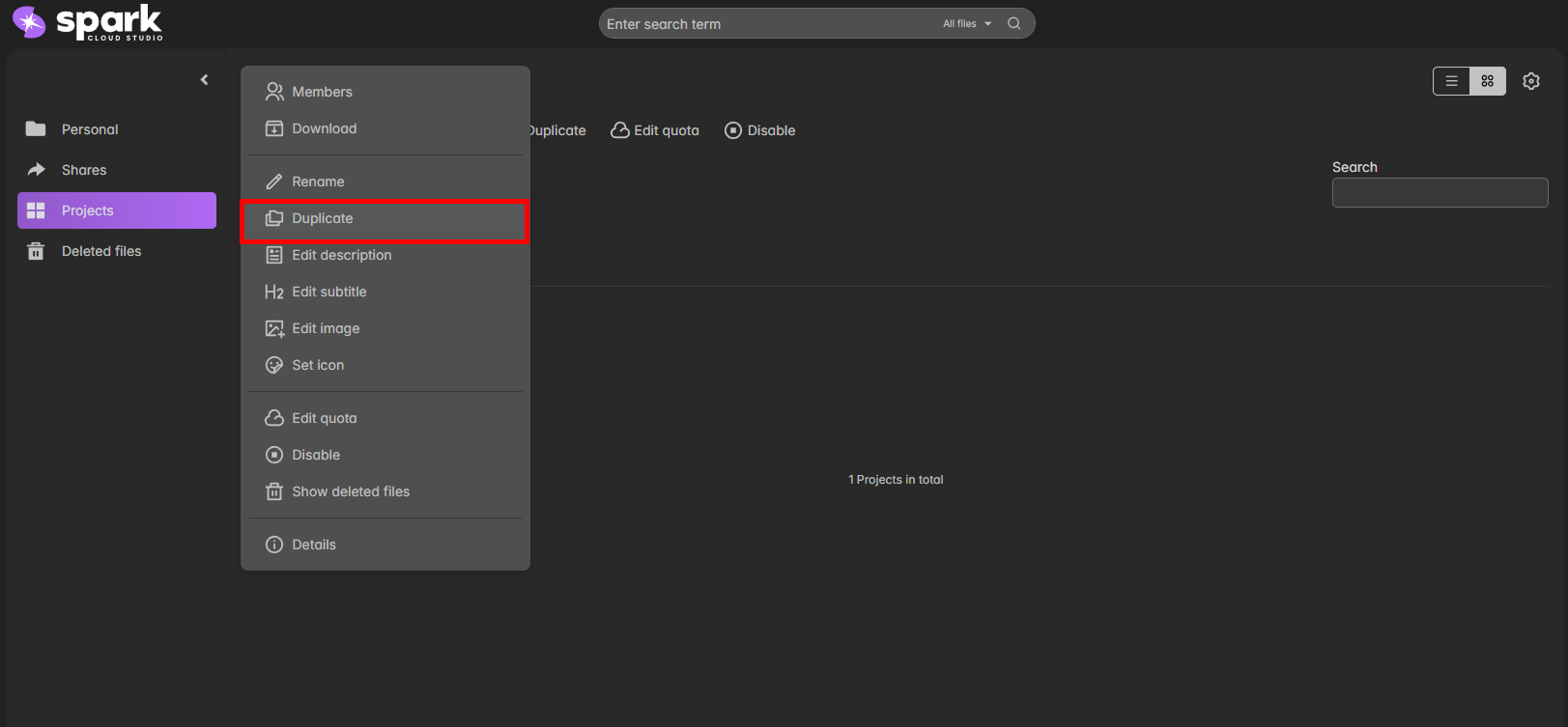 |
| Edit Quota | Adjust allocated resources (storage, CPU, etc.) for each project. |  |
| Disable | Temporarily disable a project without deletion. | 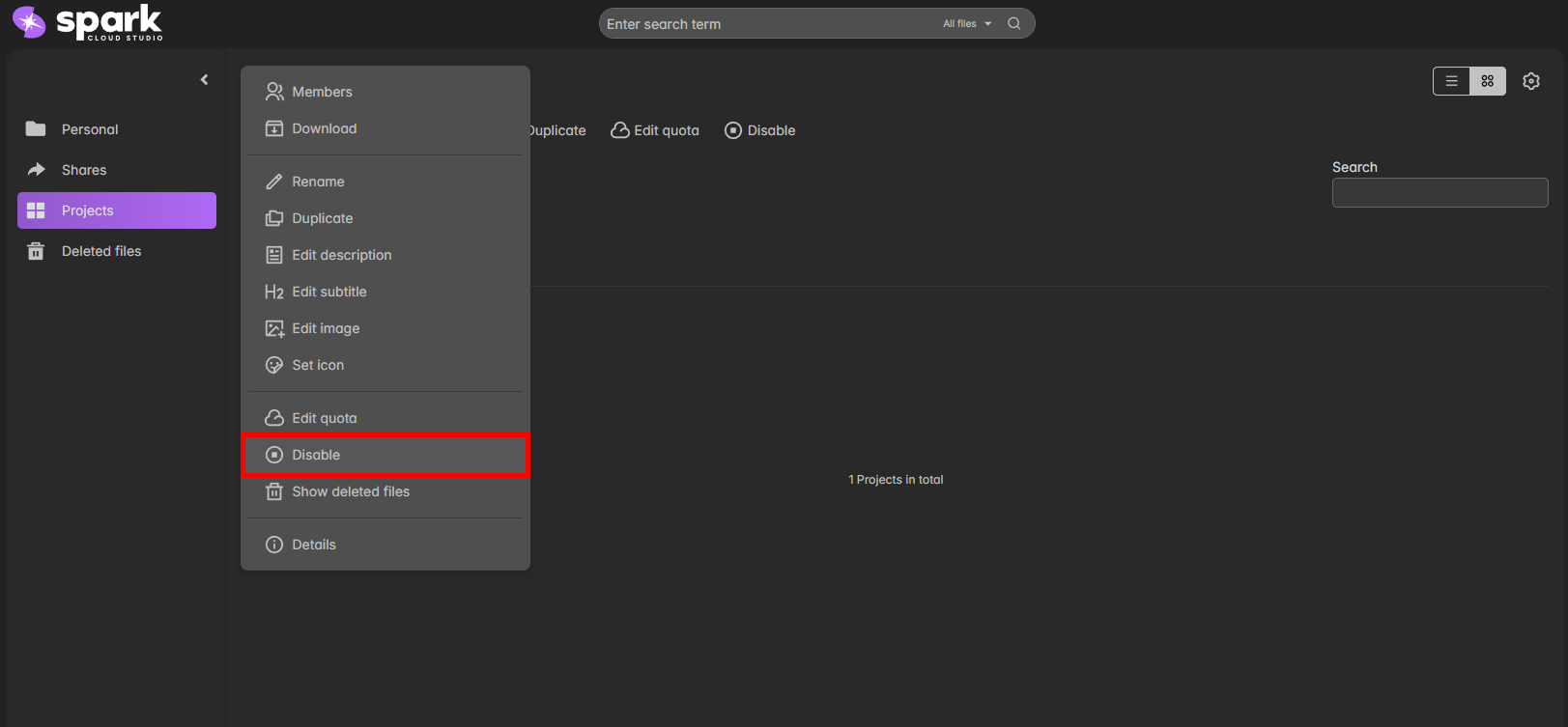 |
| Members | View and manage project collaborators and their permissions. | 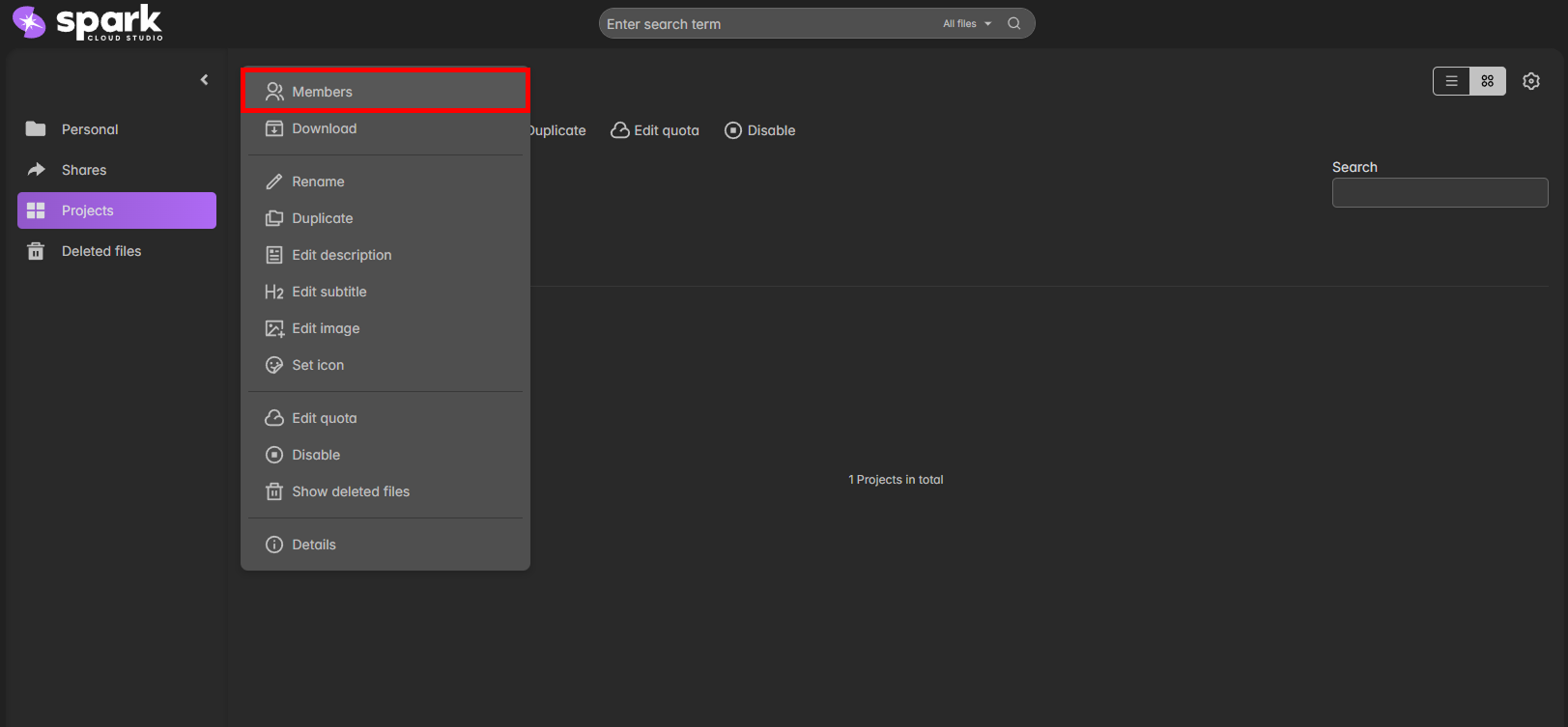 |

Projects help you keep shared assets and resources grouped logically.
Use Members management to invite or remove collaborators easily.